GPS Vehicle Tracking and the GPS in Your Work Diary
Two kinds of GPS show up in heavy vehicle compliance. One is the tracker in the vehicle. The other is the location recorded with each work diary entry.
Logmaster uses the second and connects to the first. It's an NHVR approved electronic work diary that links to GPS tracking platforms through Connected Fleets.
A tracker logs the vehicle's position constantly. A work diary records a location only when the driver makes an entry. When the two sit in separate systems, nobody checks whether they agree, and a mismatch is found only when someone else goes looking.
Logmaster lines them up.
Logmaster: Diary Locations Checked Against the Vehicle
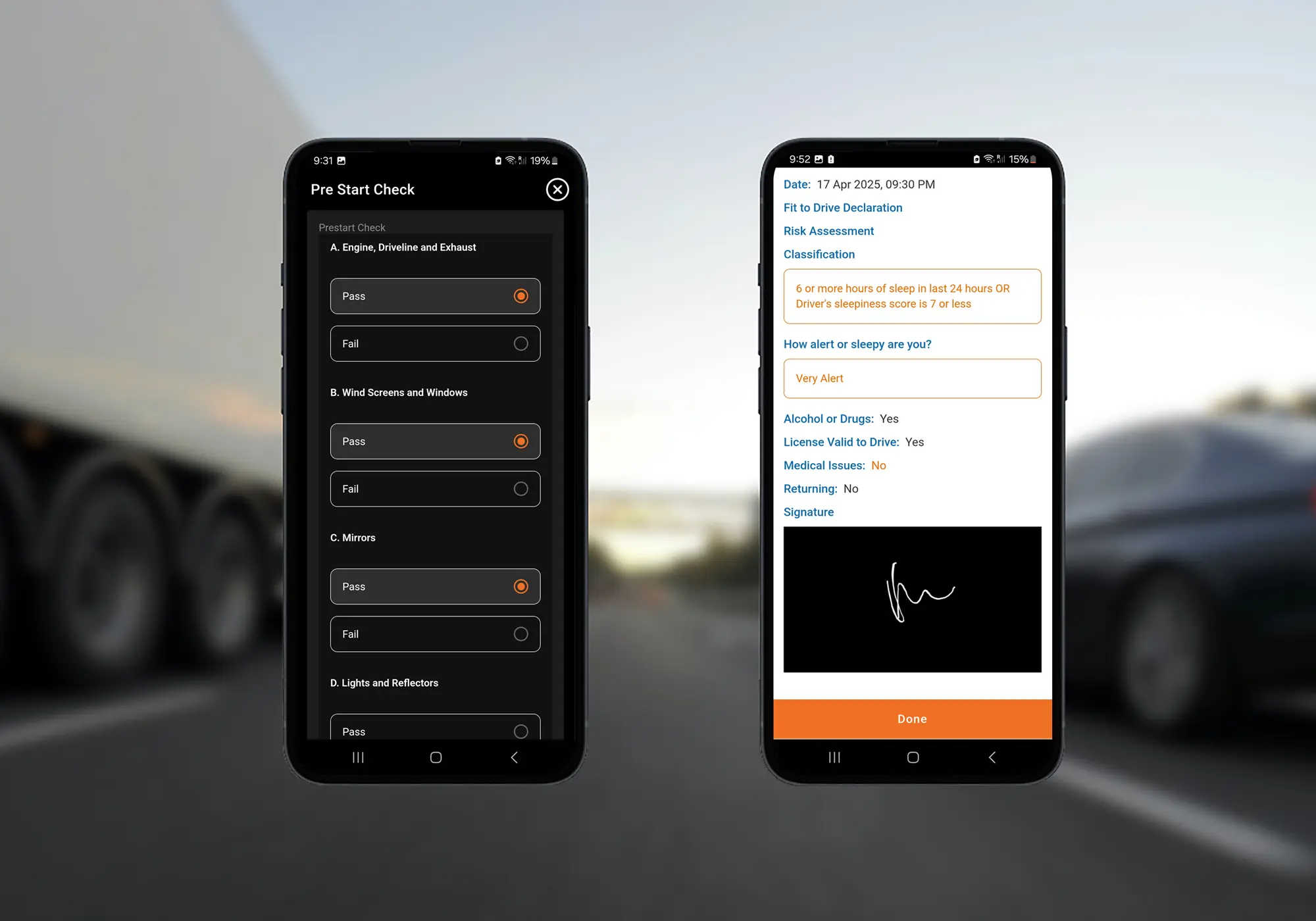
When a driver makes an entry in Logmaster, GPS fills in the suburb automatically. The driver can change it if it isn't the one they'd write in a paper diary.
With a GPS tracking platform connected, such as Geotab or Microlise, Logmaster compares those diary locations with the vehicle's position and alerts the office to any discrepancy.
The tracker follows the vehicle. The app doesn't continue tracking the driver after they start work or rest.
The app fills in the suburb at each entry, which saves typing and avoids misspelt town names.
Diary Locations Cross‑Checked
Position discrepancy alerts flag entries where the diary location doesn't match the vehicle's GPS position.
GPS Drift Handled Sensibly
Every GPS system drifts near suburb boundaries or in poor signal. Drivers can correct the suburb, and the office can see where the vehicle actually was.
Signal Gaps Covered
If the device loses signal, the diary keeps recording, and entries are compared with the vehicle's GPS history once they sync.
Movement Checked Against Rest
Vehicle GPS shows when the truck was moving, so rest logged during movement is flagged for the record keeper to check.
Driver Privacy Kept
Continuous position comes from the vehicle, not the driver's phone, so drivers aren't followed through the app.
What It Means for Each Person
Heavy Vehicle Drivers
Drivers get a suburb filled in for them, the ability to correct it, and an app that stops at the entry rather than tracking them all day.
Fleet Managers and Record Keepers
Record keepers can see when a diary location and the vehicle's position disagree, and check the reason with the driver while the shift is recent.
Transport Business Owners
Owners have diary locations backed by vehicle GPS, which makes their records more convincing at audit and under Chain of Responsibility.
An Approved EWD Used Across the HVNL States
Logmaster is NHVR approved and used by more than 10,000 drivers and 1,200 businesses in the states and territories under the HVNL. It supports WA fatigue plans as well.
Customers include Cleanaway and Greyhound Australia, and Logmaster is ISO 27001 certified.
Connecting Vehicle GPS to Your Diaries
Check with the Logmaster team that your GPS tracking platform is supported.
Set up Logmaster with your drivers and vehicles.
Connect the platform in the portal under Vehicles, then Connected Fleet.
Let drivers know they can correct a suburb that GPS drift has put slightly off.
Review position discrepancy alerts as part of the weekly record check.
Vehicle GPS tracking records the vehicle's position continuously through a device fitted to it. The Logmaster app records location only at the moment a driver makes a work diary entry. Connected Fleets compares the two so the office can see when they disagree.
GPS drift affects every GPS system. Being near the edge of two suburbs, a brief signal loss, tall buildings or terrain can shift the reading. Drivers can change the suburb to the one they're actually in.
Not necessarily. It may be GPS drift, a different name for the same place, or an entry made slightly before or after a stop. The alert tells the record keeper which entries are worth checking with the driver.
Only with a GPS tracking platform connected. The Logmaster app records location only at each entry, so the vehicle's position between entries comes from its tracker through Connected Fleets, shown on a map with the driver's work and rest events.
No. Logmaster doesn't supply tracking hardware. It can supply tablets and truck mounts for the app, and partners listed on the Find Providers page at logmaster.com.au offer vehicle tracking alongside Logmaster.
Bring Vehicle GPS and Diary GPS Together
Book a demo to see how Logmaster checks diary locations against your vehicles' GPS tracking.