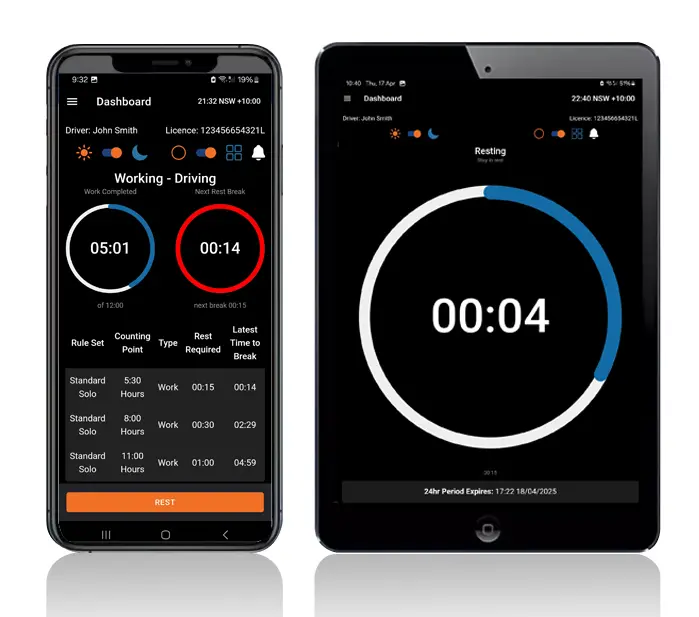
GPS telematics gives you three useful facts about every vehicle: where it is, whether it's moving and how far it has travelled. Each one can help check a driver's work diary.
Logmaster is an NHVR approved electronic work diary that reads that data through Connected Fleets and uses it to check work and rest entries.
Telematics platforms collect a huge amount of data, but in many transport businesses it's only opened when a customer asks where a delivery is. The same data could show whether drivers' logged rest matches what their vehicles were doing.
Logmaster puts it to that use.
Logmaster: Turning GPS Data Into Checked Records
Logmaster connects to telematics platforms such as Geotab and Microlise. It reads three things: the vehicle's position, whether it's moving or stationary, and its odometer.
Position is compared with the location a driver records at each diary entry. Movement is compared with logged work and rest. The odometer pre-fills the driver's reading.
Anything that doesn't line up becomes an alert for the record keeper to check.
The vehicle's odometer reading is filled in for the driver to confirm, which removes a common source of small diary errors.
Movement: Rolling Rest Found
If a driver has rest logged while the vehicle is moving, the office is alerted. It may be a two-up driver in the sleeper berth, or a missed status change.
Position: Location Mismatches Spotted
When the location a driver records differs from the vehicle's GPS position, Logmaster raises a position discrepancy alert so the entry can be checked.
Stationary Time: Missed Breaks Found
Work logged while the vehicle sits still triggers an alert. Often it's loading time, but sometimes it's a break that should have been recorded.
Unmatched Movement: Gaps Revealed
Vehicle movement with no matching work or rest entry is logged, which can reveal a driver who forgot to log in.
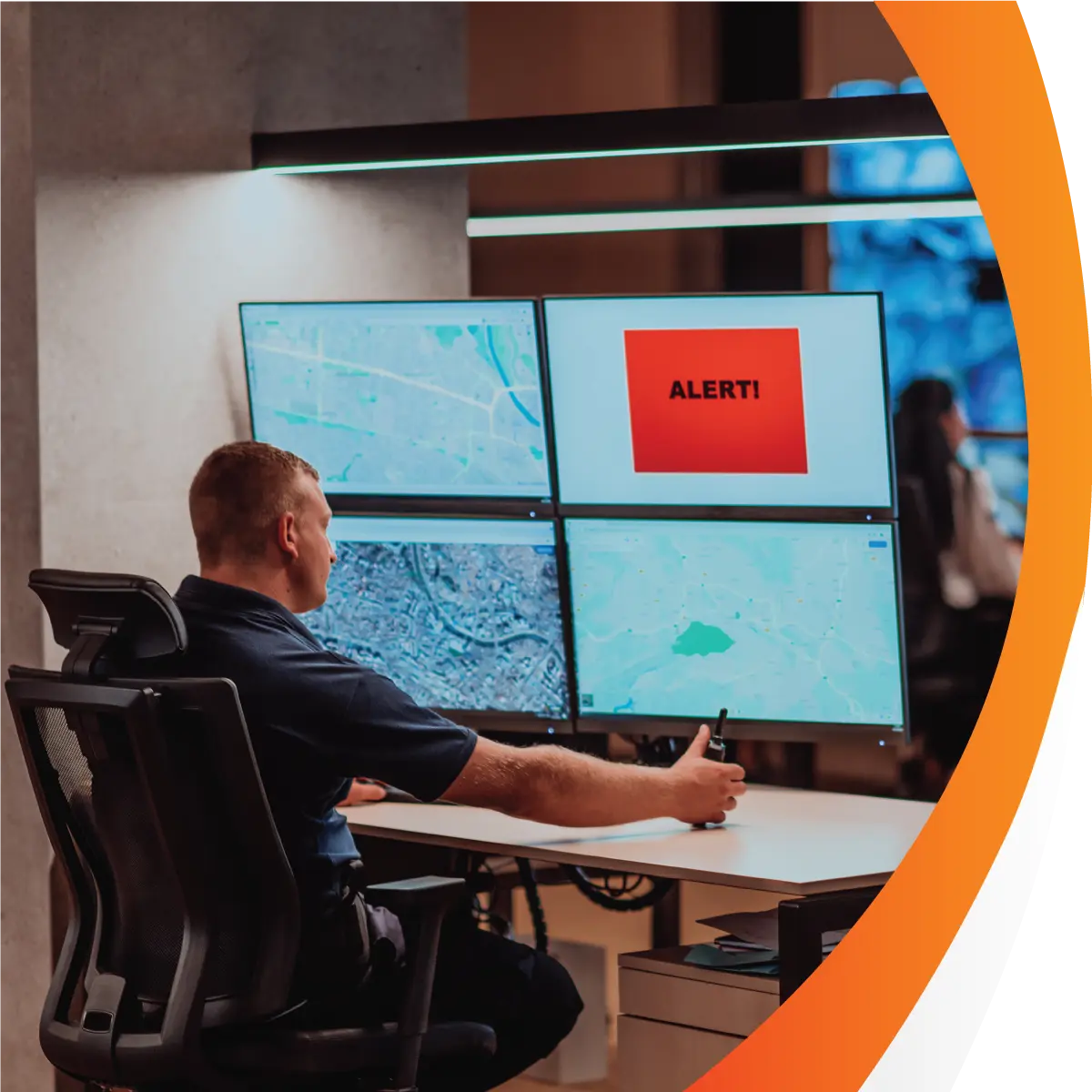
Map View: Context in One Glance
Each driver's work and rest events are plotted on a map, so a record keeper can see where breaks happened along a route.
Who Uses the Data
Heavy Vehicle Drivers
Drivers benefit without doing anything new: the odometer is filled in, and small slips get caught early while they're easy to explain.
Fleet Managers and Record Keepers
Record keepers use the alerts and map to focus their checks, rather than scrolling through raw GPS history looking for problems.
Transport Business Owners
Owners finally see a compliance return on the telematics data they already pay for, and gain evidence that driver records are actively checked.
Trusted by Operators Across the HVNL States
Logmaster is an NHVR approved EWD used by more than 10,000 drivers, including at Greyhound Australia and PFD Food Services. It's ISO 27001 certified.
It covers every state and territory that runs under the HVNL and supports WA fatigue plans for operators in the west.
Putting Your GPS Data to Use
Check with the Logmaster team that your telematics platform connects.
Set up your Logmaster account, vehicles and drivers.
Link your telematics account in the portal under Vehicles, then Connected Fleet.
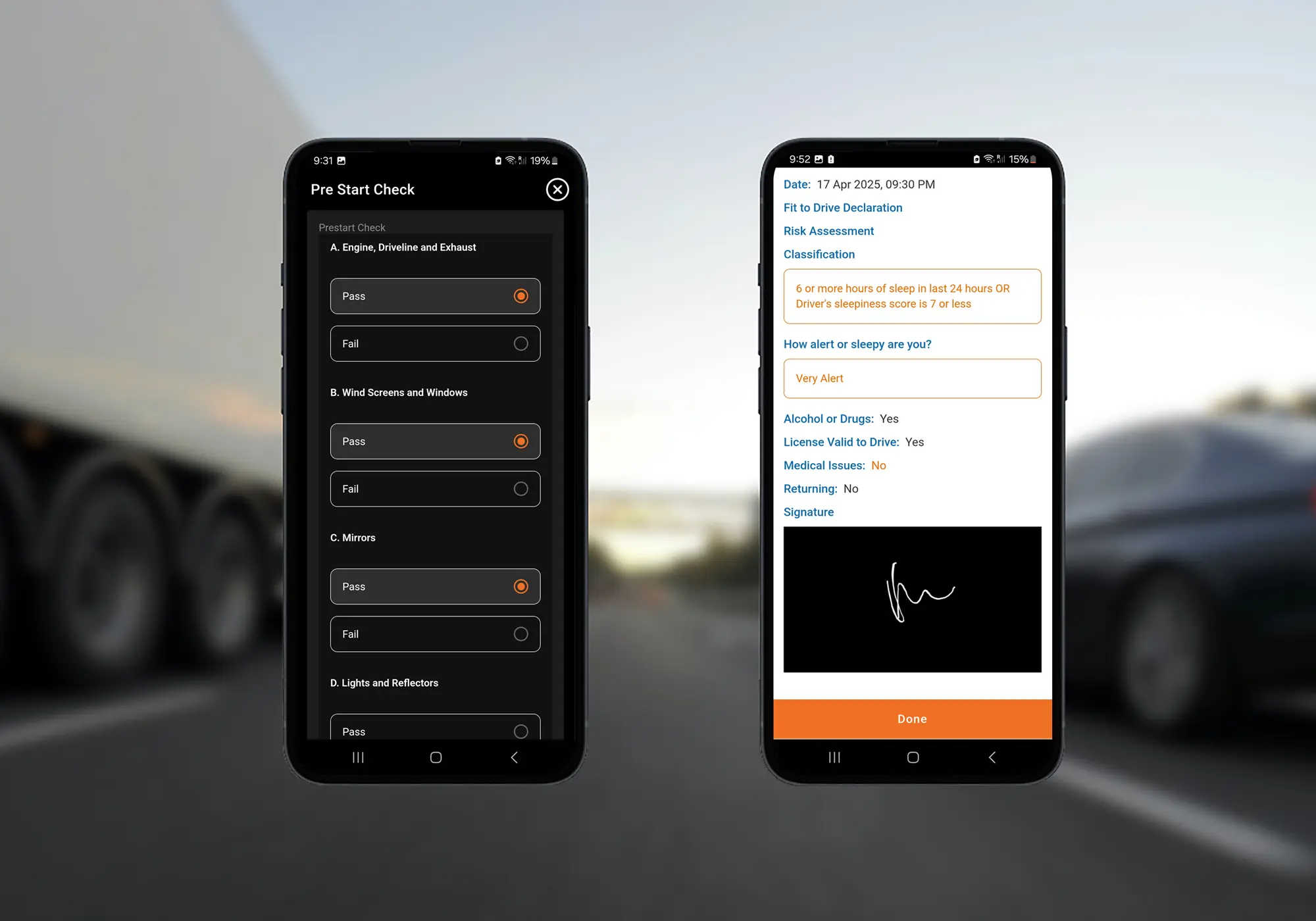
Drivers record work and rest in the app and confirm pre-filled odometer readings.
Record keepers work through alerts each day using the map for context.
GPS telematics is a device in the vehicle that uses satellite positioning to record where it is and how it's moving, and sends that data to an online platform. Most platforms also report odometer readings. Logmaster uses that data to check drivers' work diaries.
The Logmaster app captures location at the moment a driver makes a work diary entry. It doesn't track drivers continuously. Continuous vehicle position comes from your telematics platform when it's connected through Connected Fleets.
No. GPS records the vehicle's movement, not the driver's work and rest, and it isn't a work diary. Drivers who need one must use the written National Driver Work Diary or an NHVR approved EWD. GPS data is most useful for checking those records.
Position discrepancy alerts compare the location in a diary entry with the vehicle's position from telematics. Small differences in how a place is named are common, so the alert is a prompt to check the entry rather than proof of an error.
Connected Fleets works with several of the main platforms used in Australia, including Geotab and Microlise. If you use a different provider, ask the Logmaster team to check before you set anything up.
Make Your GPS Data Count for Compliance
Book a demo to see how Logmaster uses position, movement and odometer data to check your drivers' records.