Logmaster Logo
DriverRecord KeeperBusiness OwnerProductsIntegrationsTraining and GuidesAbout UsFind Providers
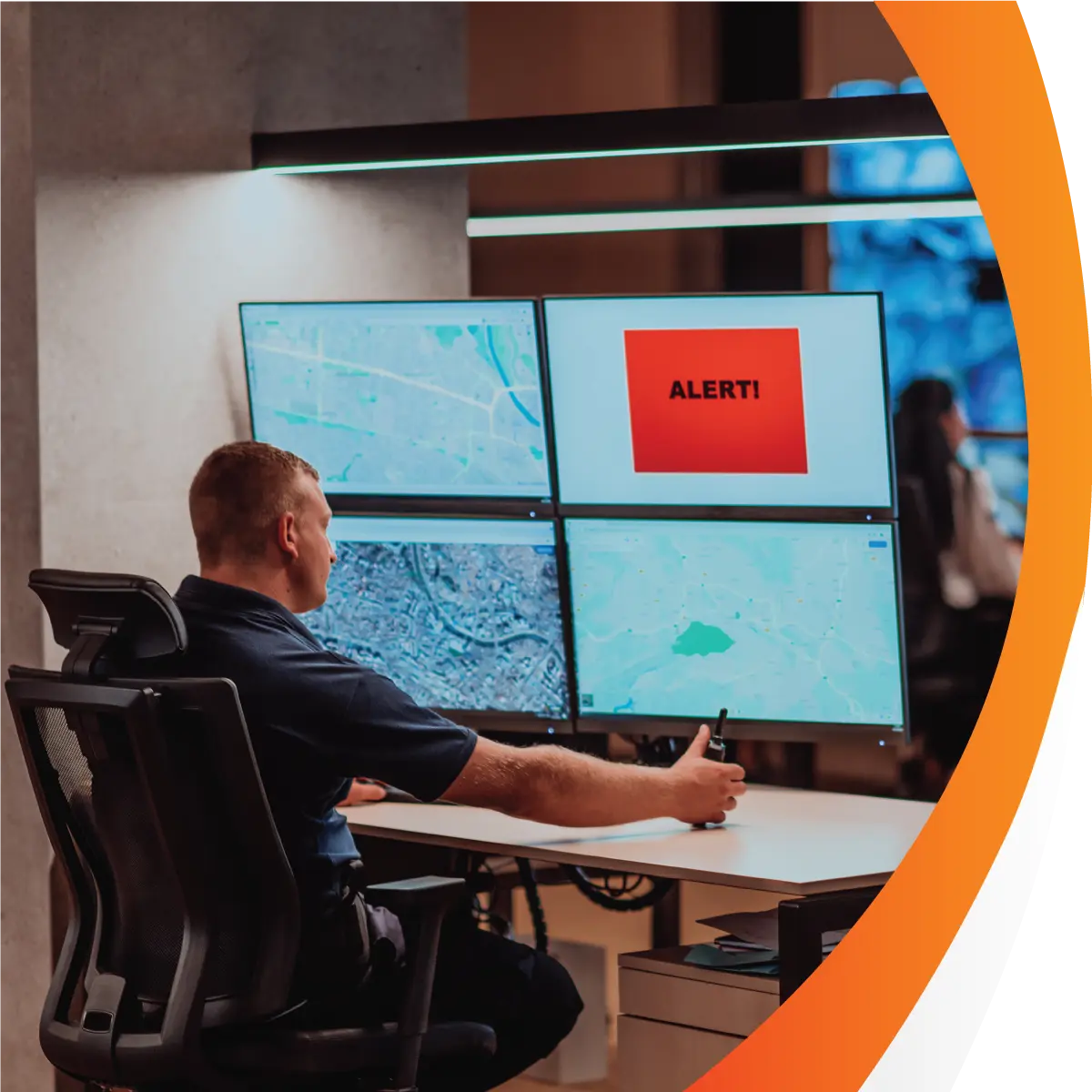
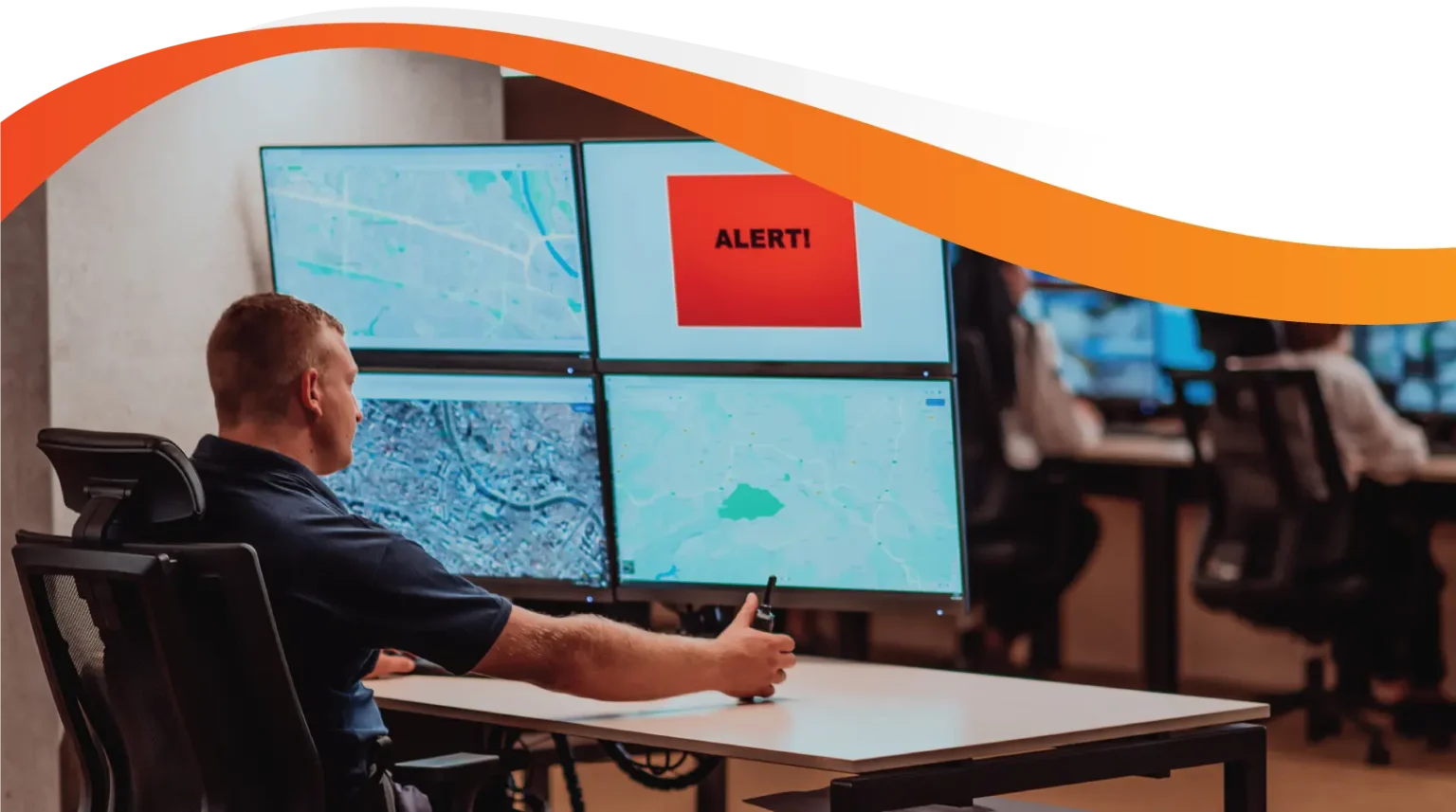
Man working on Logmaster appLogmaster app on a mobile phone

EWD and Telematics Integration, Explained

Logmaster's Connected Fleets links its NHVR approved electronic work diary (EWD) to your telematics platform. Data moves in both directions, so each system knows what the other is doing. Here's what passes between the two and what your team sees as a result.
Ask For InfoBook a Demo

Two Systems That Don't Talk Means Double Handling

Without an integration, someone in the office has to compare work diary entries with telematics reports by hand. Odometer readings are keyed twice, drivers aren't linked to vehicles in the tracking system, and a mismatch can sit unnoticed until an audit. An integration does that comparison for you.
Heavy vehicle on an Australian road
Works with or without mobile signal

Logmaster: What Connected Fleets Sends and Receives

From your telematics platform, Logmaster takes the vehicle's odometer, its movement and its position. It uses them to pre-fill odometer readings and to check each driver's work and rest entries. In the other direction, when a driver logs in to Logmaster, that driver is assigned to the vehicle in your telematics platform. The integration is set up in the Logmaster web portal under Vehicles, then Connected Fleet. Supported platforms include Geotab and Microlise, and the Logmaster team can check others for you.
Book a Demo

What the Integration Does Day to Day

clock

Odometer In, No Typing

Odometer readings are pre-filled from telematics. The driver confirms the number rather than reading the dash and typing it in.
Visibility

Driver Assignment Sent to Telematics

Logging in to Logmaster assigns the driver to the vehicle in your telematics platform, so trip reports there show who was driving.
Records

Map Overlay of Work and Rest

Work and rest events appear on a map inside Logmaster, plotted where they happened, which helps when you're reviewing a long shift.
Mobile Coverage

Diary Entries Stay Complete Offline

If the device loses signal, the EWD keeps recording. Entries sync when coverage returns and are then compared with the telematics data.
Paperwork

Four Alert Types for the Office

Rolling rest, stationary work, position discrepancies and unallocated movement each raise an alert, so record keepers know exactly which entries to check.
Supports

Works Across Shared Vehicles

Drivers who move between vehicles keep one EWD record, and the integration matches them to whichever vehicle they log in to.

What the Integration Means for Your Team

Heavy Vehicle

Heavy Vehicle Drivers

Drivers have fewer manual entries, because the odometer comes pre-filled. The EWD captures location only when an entry is made, and vehicle position comes from the truck's own telematics.
Record Keepers

Fleet Managers and Record Keepers

Record keepers and compliance officers move to exception-based checking. Instead of comparing two reports line by line, they review the alerts and open the map when they need context.
Transport Business Owners

Transport Business Owners

Owners get one set of records showing work diaries are checked against vehicle data, which is useful evidence of reasonable steps under Chain of Responsibility, and less admin time spent reconciling systems.

An NHVR Approved EWD With a Wide Partner Network

Logmaster is used by more than 10,000 drivers and 1,200 businesses, and more than 80 channel partners offer it, many of them alongside their own telematics and tracking products. It's ISO 27001 certified and works in every state and territory under the HVNL, with WA fatigue plans supported as well.
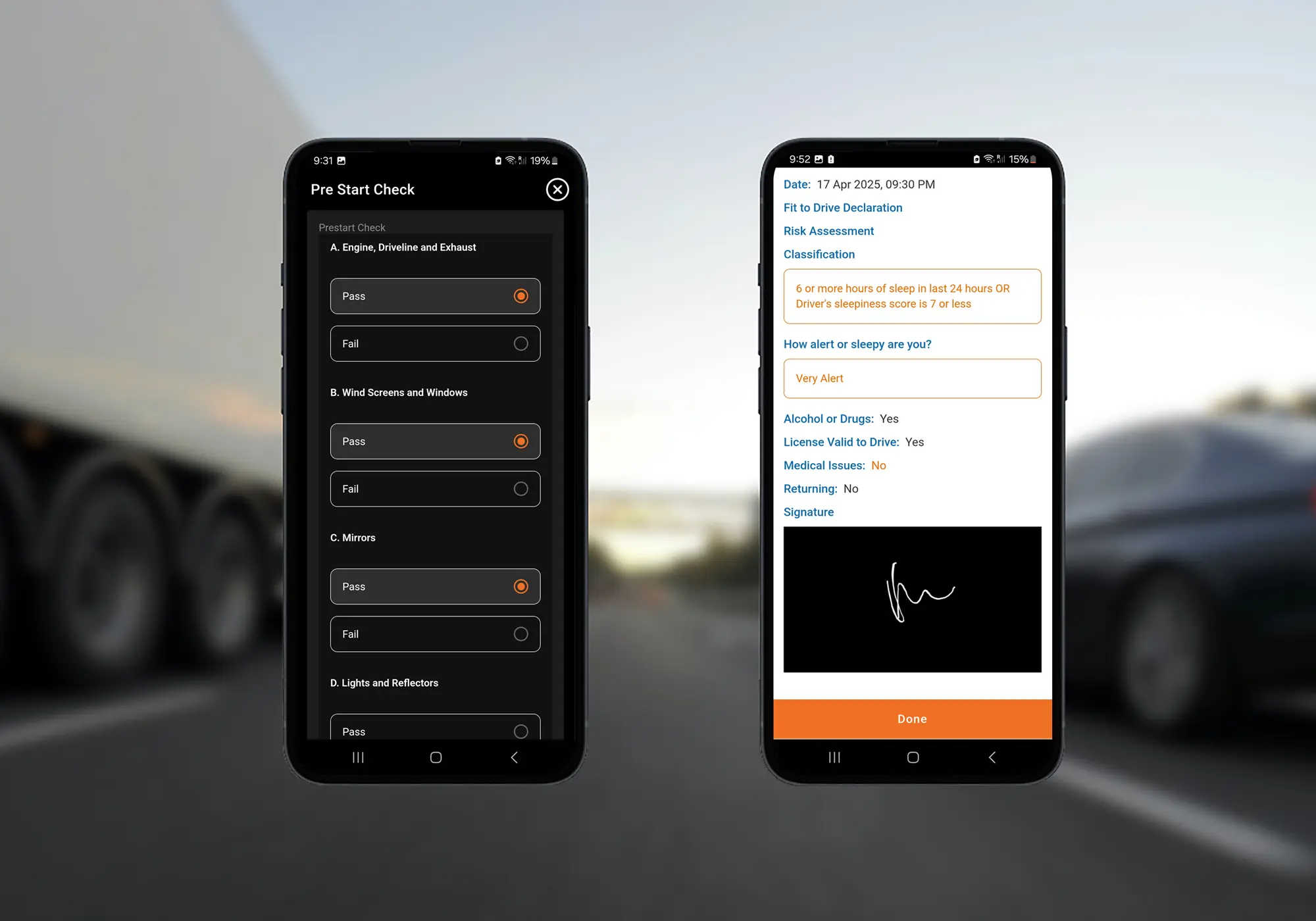
Logmaster digital forms on a mobile phone

Switching On the Integration

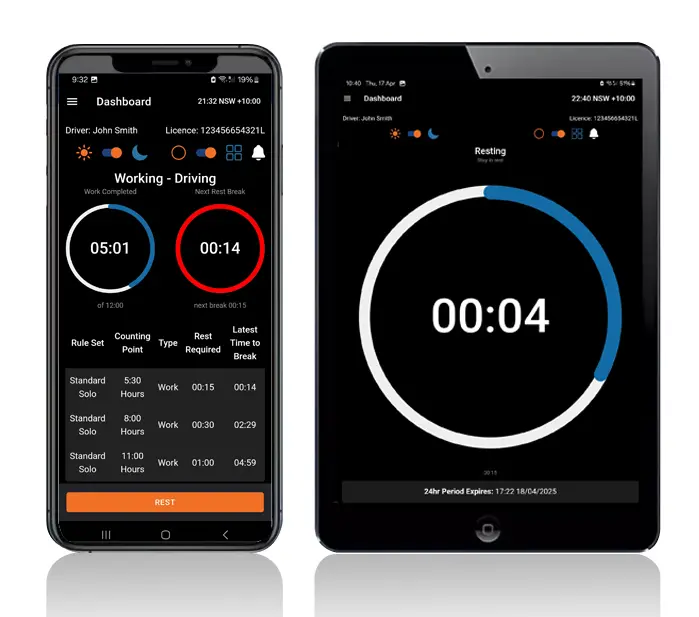
Logmaster dashboard on a mobile phone and tablet
Confirm with the Logmaster team that your telematics platform is supported.
Make sure your vehicles are set up in the Logmaster web portal.
In the portal, go to Vehicles, then Connected Fleet, and link your telematics account.
Drivers log in to the app as usual, which assigns them to their vehicle in your telematics platform.
Watch the first alerts come through and agree with your record keepers how each type is followed up.
Book a Demo

Frequently Asked Questions

See Connected Fleets in a Demo

Book a demo and the Logmaster team will walk you through how data moves between your telematics platform and the EWD.
Book a Demo

Download / Updating the app

Get it on Google PlayDownload on the App Store

Support

TRAINING CENTREFREQUENT QUESTIONSPRICING INFORMATION

Resources

Work & Rest RulesFor AuditorsFAQDownload Transport Compliance System BrochureArticles & MediaReseller ResourcesNHVR CertificationISO 27001 CertificationReleasesInvestorsBranded Device BackgroundsJoin Mailing List

Contact us

Level 1/63-73 Ann St, Surry Hills NSW 2010

New Enquiries
(02) 7228 6269
Support and Training
(02) 7228 6266
[email protected]LogmasterISO/IEC 27001 certified