Logmaster Logo
DriverRecord KeeperBusiness OwnerProductsIntegrationsTraining and GuidesAbout UsFind Providers
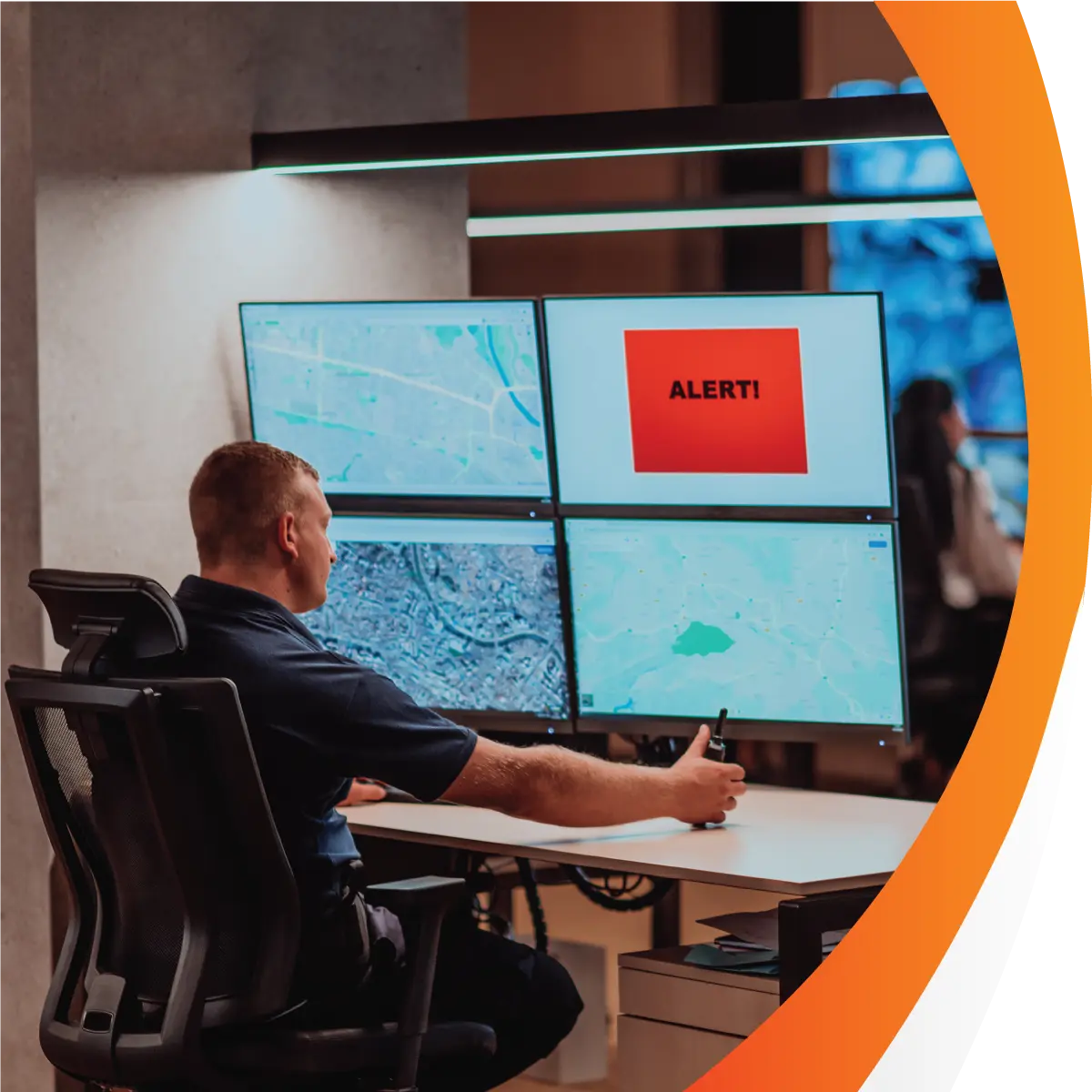
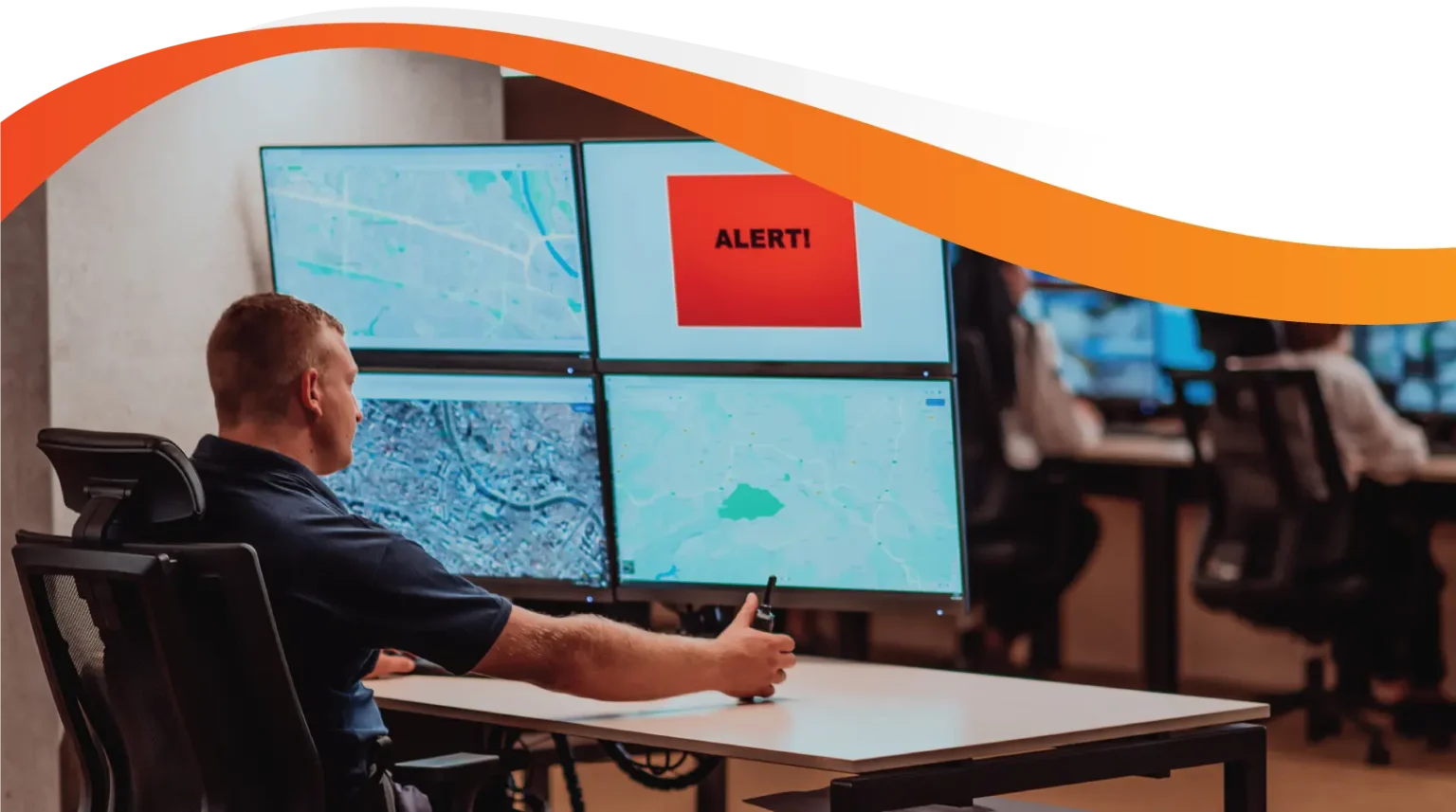
Man working on Logmaster appLogmaster app on a mobile phone

In‑Vehicle Monitoring Systems and Hours‑Based Compliance

In-vehicle monitoring usually means cameras, sensors or telematics units fitted to the truck. Logmaster takes a different route, managing fatigue through the work and rest hours drivers record in an NHVR approved electronic work diary. Running Geotab or Microlise already? Link it to Logmaster and read vehicle location next to each driver's work and rest entries.
Ask For InfoBook a Demo

Two Systems Answering Different Questions

A camera or sensor system asks what is happening in the cab right now. A work diary asks whether the driver has worked and rested within the law. Both can matter, but they aren't the same thing, and one doesn't stand in for the other. Buying hardware to solve a record keeping problem, or the reverse, tends to leave a gap.
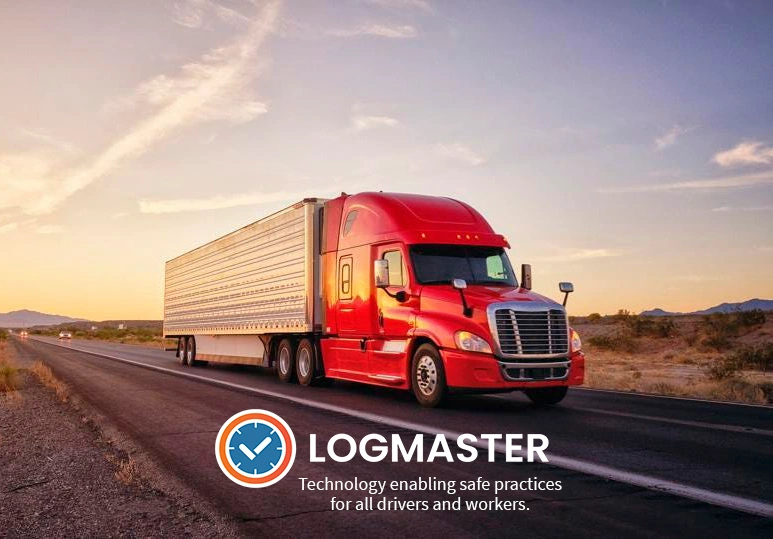
Heavy vehicle on an Australian road
Works with or without mobile signal

Where Logmaster Sits

As a fatigue and compliance platform, Logmaster takes a narrower job. Its EWD counts work and rest to the minute, warns drivers before a break is due and alerts record keepers to potential breaches. It uses no cameras and doesn't provide GPS vehicle tracking. Location is captured by the app only when a work or rest entry is made. For operators with telematics already fitted, Connected Fleets in the Logmaster portal links supported providers, including Geotab and Microlise, so vehicle data is paired with the fatigue record.
Book a Demo

What Connected Fleets Adds

clock

Odometer Pre‑Filled

Readings from the telematics unit pre-fill the odometer at each entry, and the driver confirms them.
Visibility

Driver Matched to Vehicle

When a driver logs in, they're assigned to the vehicle in the telematics platform.
Records

Work and Rest on the Map

Work and rest events are overlaid on the map, so vehicle movement and the diary can be read together.
Mobile Coverage

Rolling Rest Flagged

An alert is raised when the vehicle is moving while the driver has recorded rest.
Paperwork

Movement and Stationary Work

Alerts cover unallocated movement and stationary work, so gaps in the record get a second look.
Supports

Position Discrepancies Spotted

If an entry's location and the vehicle's position don't line up, the record keeper is told.

Who Benefits From Combining Them

Heavy Vehicle

Heavy Vehicle Drivers

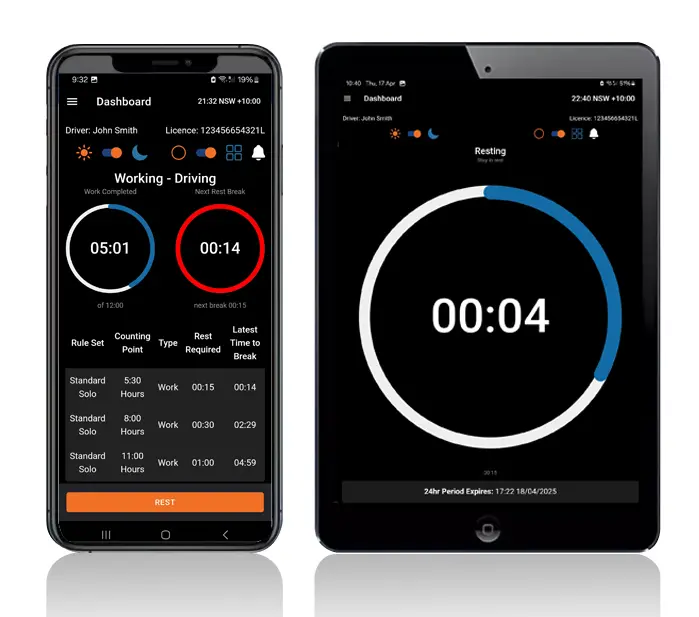
Drivers know the Logmaster app isn't recording them between entries. Where the fleet runs telematics too, the odometer fills itself in and there's less to type.
Record Keepers

Fleet Managers and Record Keepers

Record keepers can check diary entries against vehicle data and follow up alerts like rolling rest without switching systems.
Transport Business Owners

Transport Business Owners

Owners can keep monitoring hardware they've already paid for and add an approved work diary, rather than replacing one with the other.

Fatigue Records Kept by 1,200+ Businesses

More than 10,000 drivers use Logmaster's NHVR approved EWD, including drivers at Greyhound Australia and Cleanaway. The platform is ISO 27001 certified and connects to telematics through Connected Fleets.
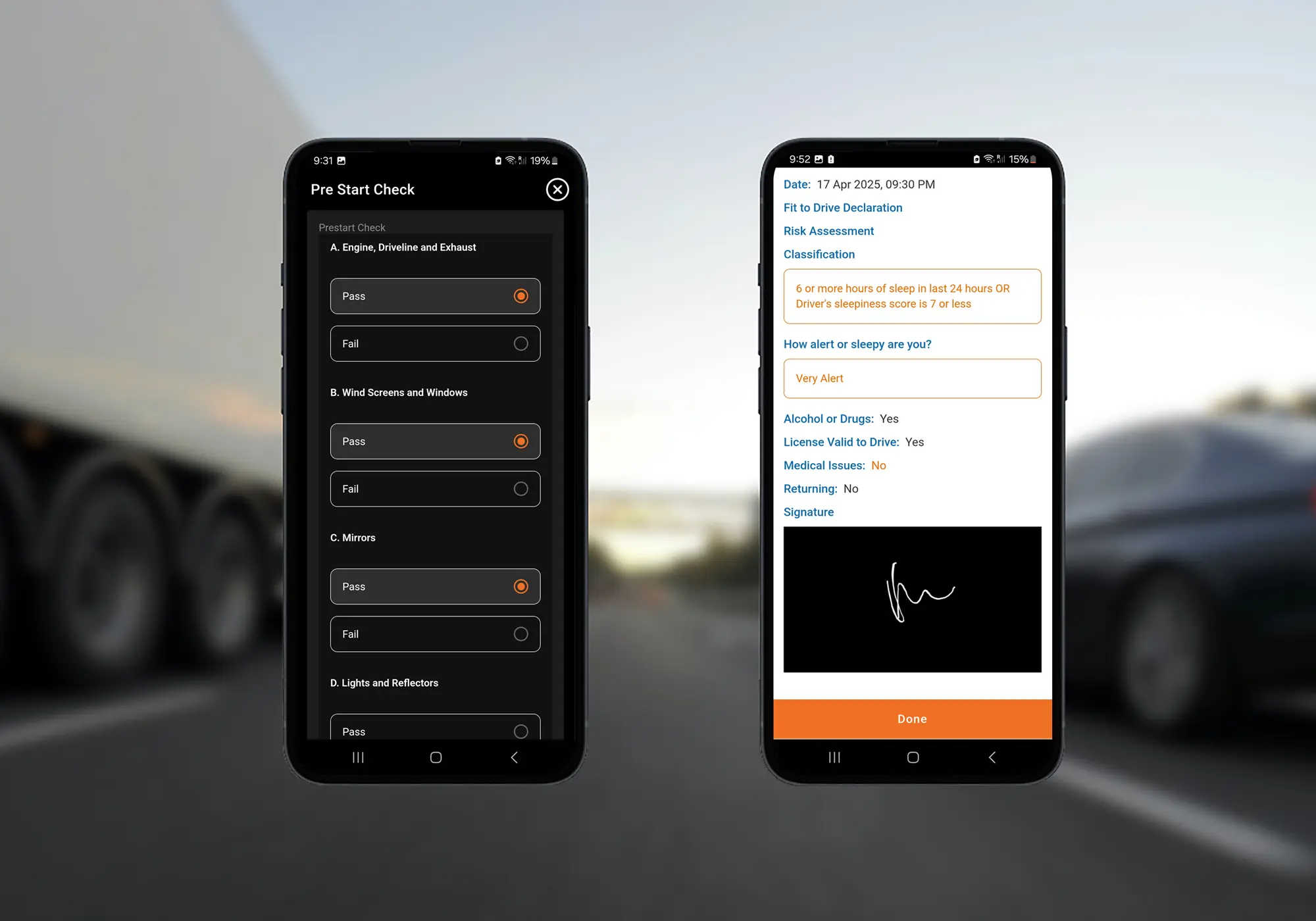
Logmaster digital forms on a mobile phone

Pairing Logmaster With Your In‑Vehicle System

Logmaster dashboard on a mobile phone and tablet
Tell the Logmaster team which telematics or monitoring provider you use, and ask whether it's supported.
Set up Logmaster accounts for drivers and add your vehicles in the portal.
For a supported provider, open Vehicles, then Connected Fleet, and link the account.
Drivers log in, are matched to their vehicle and start recording work and rest.
Review rolling rest, position and movement alerts beside fatigue alerts in the one portal.
Book a Demo

Frequently Asked Questions

Ready to Add Approved Hours to Your Monitoring?

Book a demo and see how Logmaster pairs work and rest records with the telematics you already run.
Book a Demo

Download / Updating the app

Get it on Google PlayDownload on the App Store

Support

TRAINING CENTREFREQUENT QUESTIONSPRICING INFORMATION

Resources

Work & Rest RulesFor AuditorsFAQDownload Transport Compliance System BrochureArticles & MediaReseller ResourcesNHVR CertificationISO 27001 CertificationReleasesInvestorsBranded Device BackgroundsJoin Mailing List

Contact us

Level 1/63-73 Ann St, Surry Hills NSW 2010

New Enquiries
(02) 7228 6269
Support and Training
(02) 7228 6266
[email protected]LogmasterISO/IEC 27001 certified