Logmaster Logo
DriverRecord KeeperBusiness OwnerProductsIntegrationsTraining and GuidesAbout UsFind Providers
Man working on Logmaster appLogmaster app on a mobile phone

How a Truck Tracker System Fits Together

A complete truck tracker system has three parts: the device in the truck, the telematics platform that stores its data, and the compliance layer that turns that data into checked fatigue records. Logmaster is the compliance layer. It's an NHVR approved electronic work diary that connects to your telematics platform through Connected Fleets.
Ask For InfoBook a Demo

Two Parts of the System Are Often Missing a Third

Plenty of fleets have the device and the platform. What's missing is the link to driver records, so location data and work diaries are stored in separate places and never compared. The system tracks trucks well but says little about fatigue. Adding the compliance layer completes it.
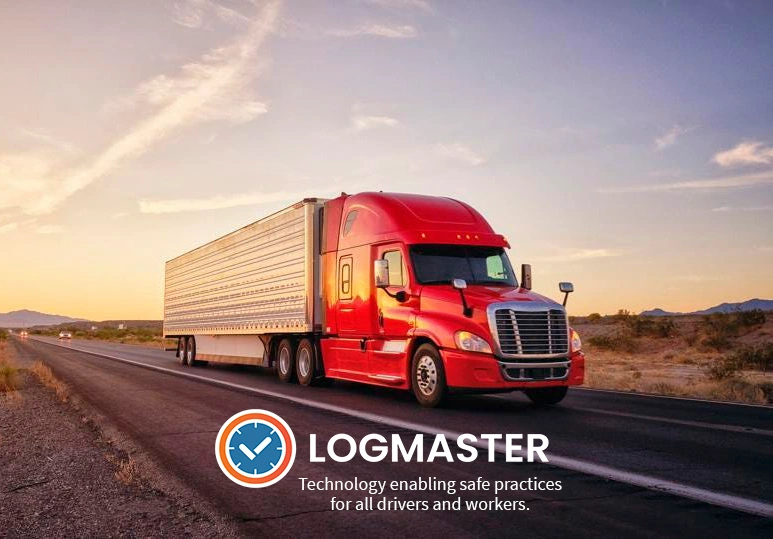
Heavy vehicle on an Australian road
Works with or without mobile signal

Logmaster: The Compliance Layer of Your System

The device collects position, movement and odometer data. The telematics platform stores it. Logmaster reads it through Connected Fleets and compares it with each driver's work and rest entries in the EWD. Information also flows the other way: when a driver logs in to Logmaster, they're assigned to the truck in your telematics platform. The result is one system where the office can see the truck's movement and the driver's diary together, with alerts where they disagree.
Book a Demo

What Each Part of the System Does

clock

The Device Records Movement

The tracker in the cab captures where the truck is, whether it's moving and its odometer, and passes that to the telematics platform.
Visibility

The Platform Stores the Data

Your telematics provider keeps the vehicle history. Logmaster connects to supported platforms such as Geotab and Microlise to read it.
Records

The EWD Holds the Driver's Record

Logmaster records each driver's work and rest to the minute as an NHVR approved work diary, separate from the vehicle data.
Mobile Coverage

The Diary Keeps Going Offline

If the phone or tablet loses signal, the EWD keeps recording and syncs later, so the comparison with vehicle data still has a full record to work from.
Paperwork

The Comparison Raises Alerts

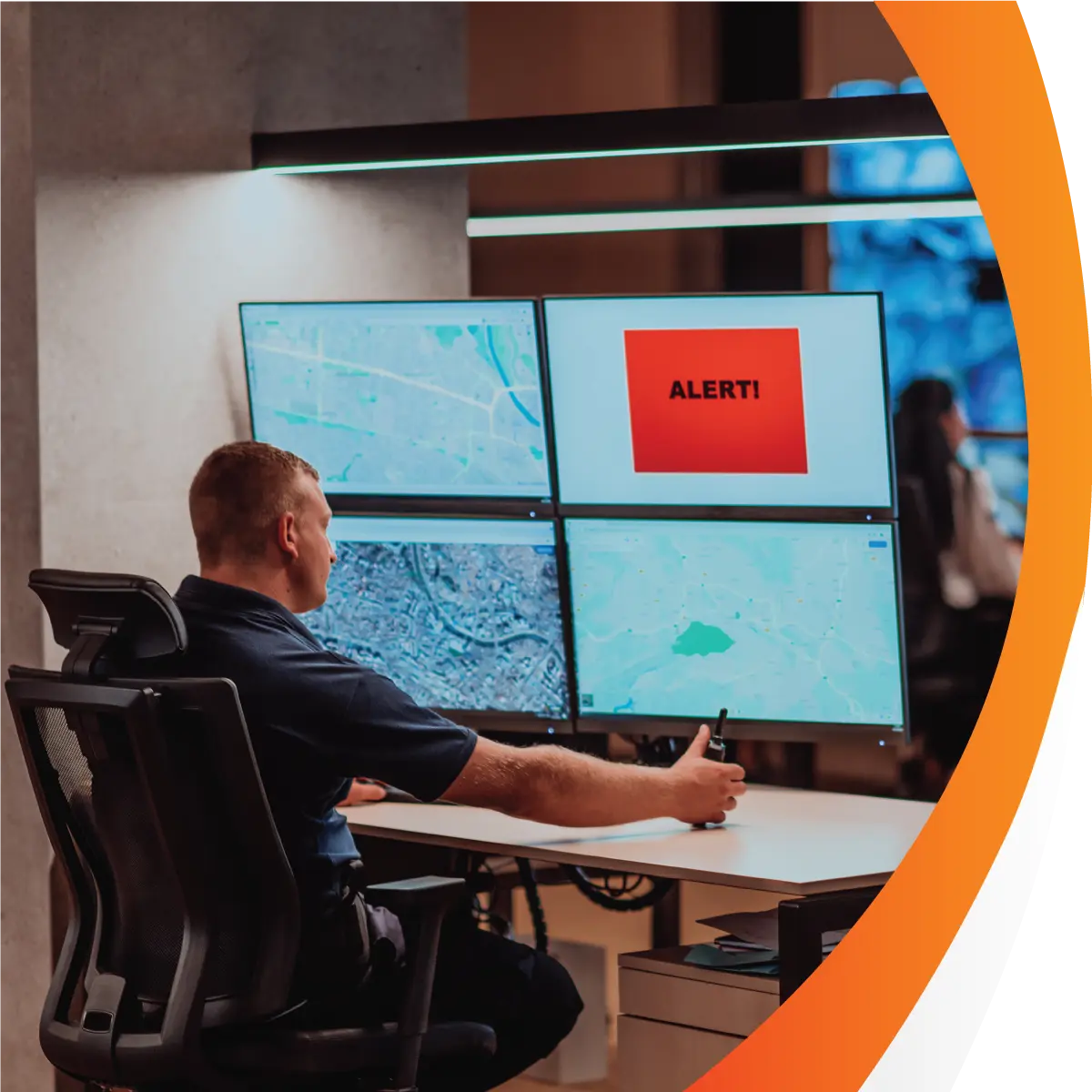
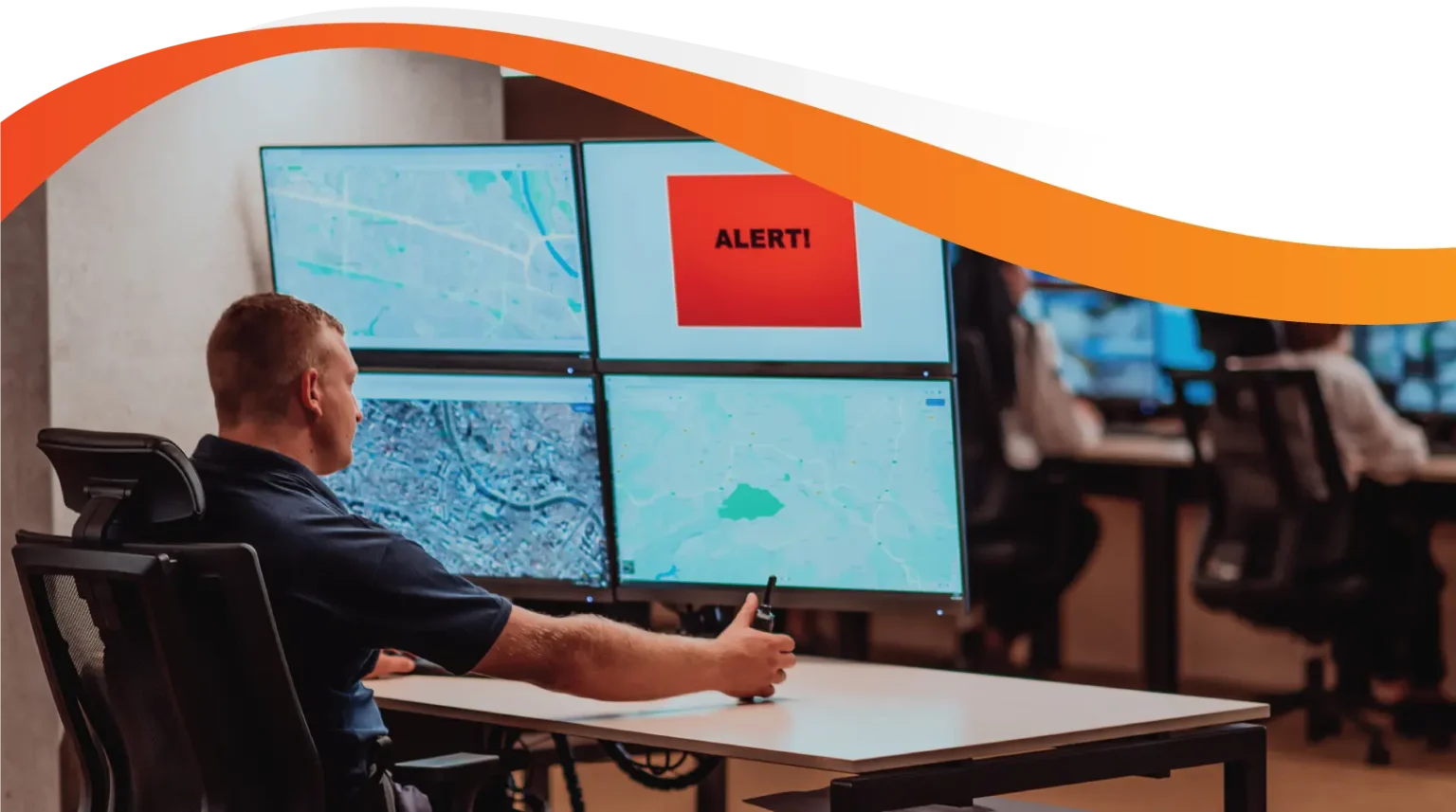
Where the diary and the vehicle disagree, such as rest logged while moving, Logmaster alerts the office so someone can check it with the driver.
Supports

The Portal Shows It All Together

Record keepers see work and rest events on a map, review alerts and receive weekly log sheets in the Logmaster web portal.

How the System Serves Each Role

Heavy Vehicle

Heavy Vehicle Drivers

For drivers, the system is mostly invisible. They log work and rest in the app, confirm a pre-filled odometer and get on with the job.
Record Keepers

Fleet Managers and Record Keepers

Record keepers get one place to review diaries against vehicle movement, instead of exporting reports from two systems and comparing them by hand.
Transport Business Owners

Transport Business Owners

Owners get a joined-up record of what each truck did and what each driver logged, which stands up better under Chain of Responsibility than either part alone.

A Proven Compliance Layer

More than 1,200 businesses use Logmaster as their work diary and compliance platform, including PFD Food Services and Cleanaway. It works in every state and territory under the HVNL, with WA fatigue plans supported. Logmaster is ISO 27001 certified, and more than 80 channel partners offer it.
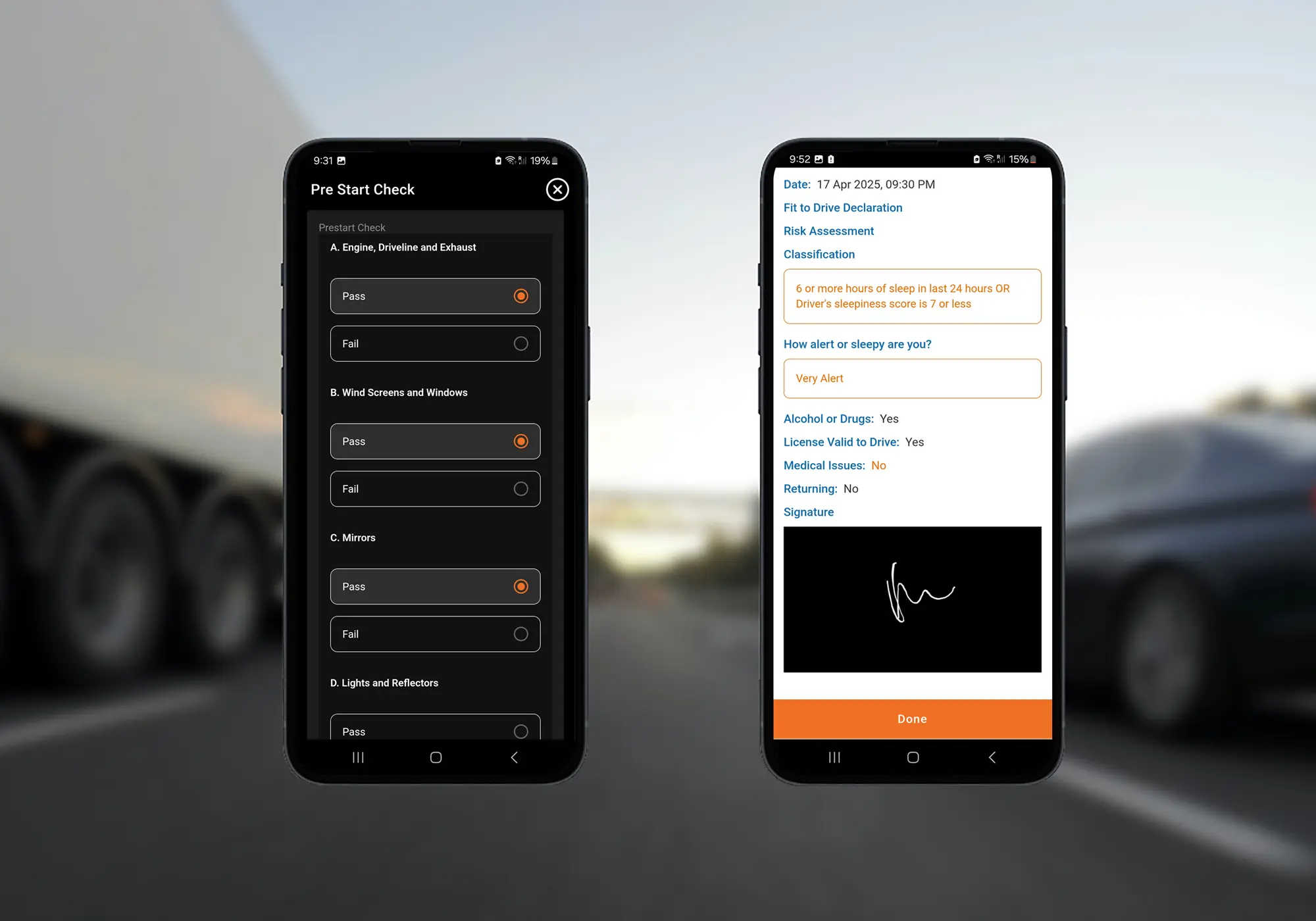
Logmaster digital forms on a mobile phone

Completing Your Truck Tracker System

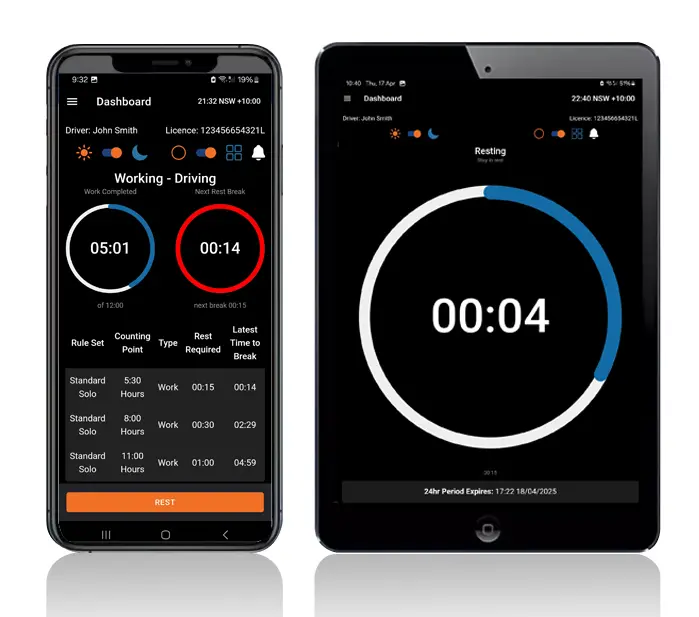
Logmaster dashboard on a mobile phone and tablet
Confirm your telematics platform with the Logmaster team.
Set up Logmaster and add your trucks and drivers in the web portal.
Connect the platform under Vehicles, then Connected Fleet.
Drivers start using the Logmaster app as their work diary.
The office reviews alerts and the map view as part of the weekly compliance routine.
Book a Demo

Frequently Asked Questions

Add the Compliance Layer to Your System

Book a demo to see how Logmaster connects to your telematics platform and completes your truck tracker system.
Book a Demo

Download / Updating the app

Get it on Google PlayDownload on the App Store

Support

TRAINING CENTREFREQUENT QUESTIONSPRICING INFORMATION

Resources

Work & Rest RulesFor AuditorsFAQDownload Transport Compliance System BrochureArticles & MediaReseller ResourcesNHVR CertificationISO 27001 CertificationReleasesInvestorsBranded Device BackgroundsJoin Mailing List

Contact us

Level 1/63-73 Ann St, Surry Hills NSW 2010

New Enquiries
(02) 7228 6269
Support and Training
(02) 7228 6266
[email protected]LogmasterISO/IEC 27001 certified