Logmaster Logo
DriverRecord KeeperBusiness OwnerProductsIntegrationsTraining and GuidesAbout UsFind Providers
Man working on Logmaster appLogmaster app on a mobile phone

Truck Trackers That Pull Their Weight on Compliance

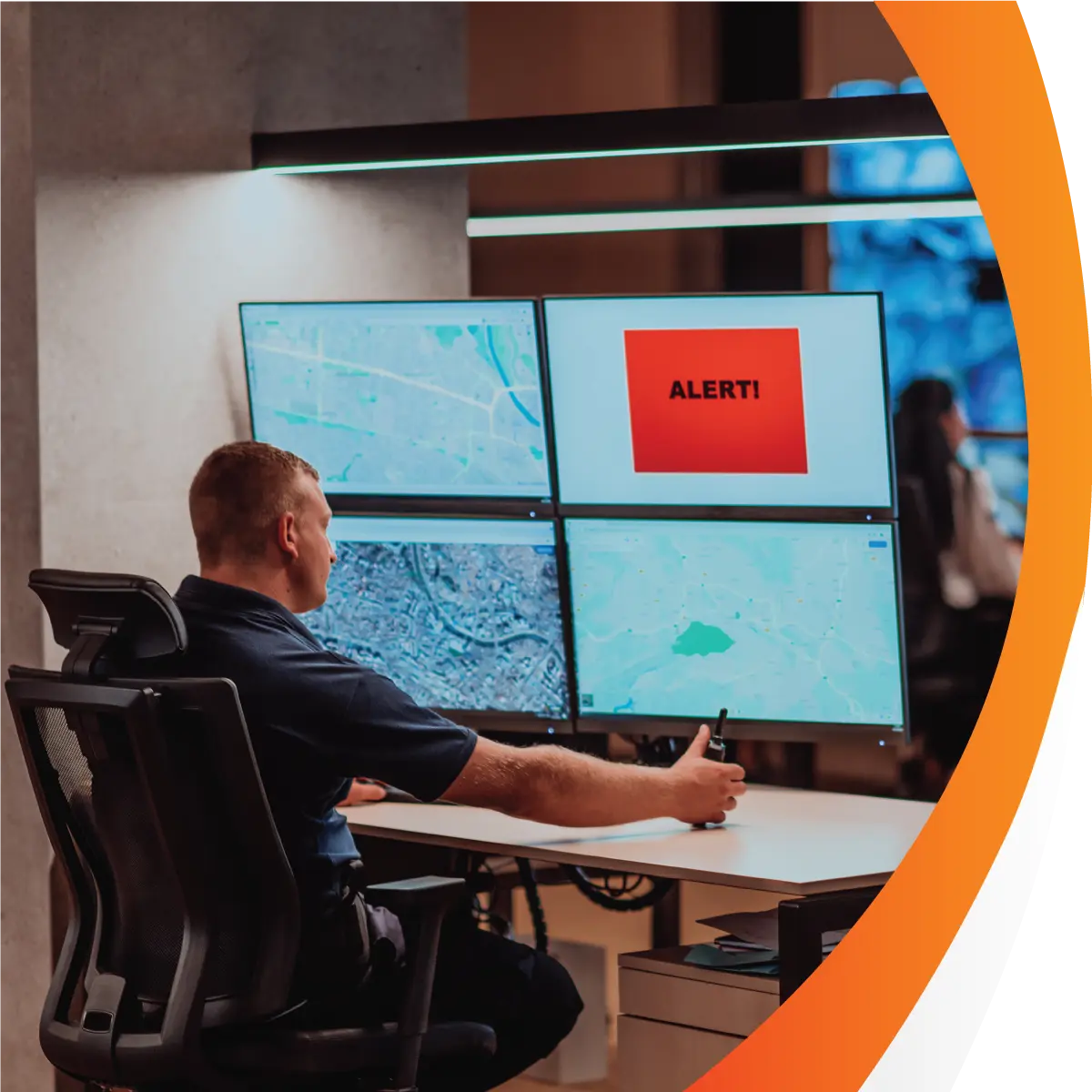
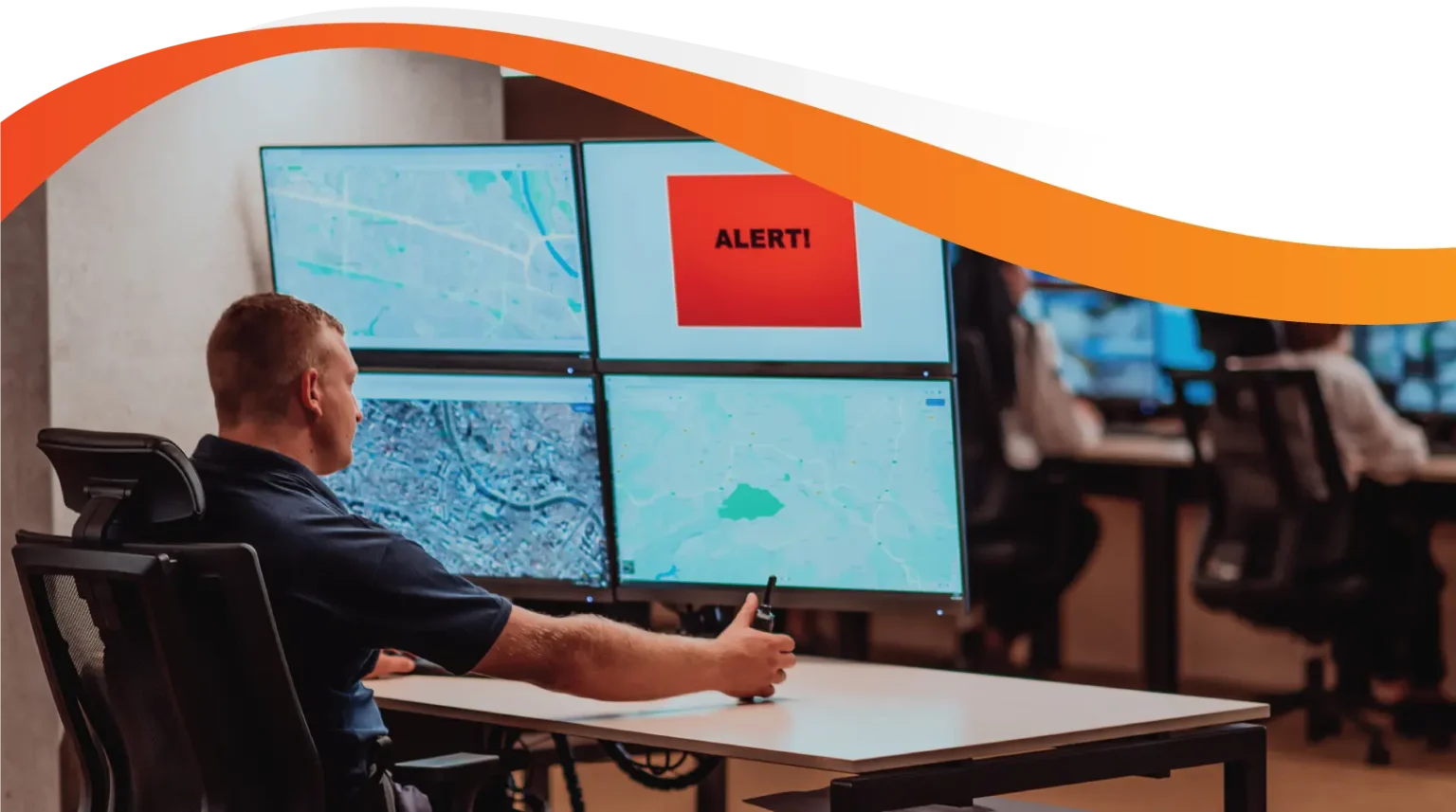
Picking a truck tracker usually comes down to price, hardware and the map. For a heavy vehicle fleet, one more question matters: can it feed your fatigue records? Logmaster is an NHVR approved electronic work diary. Through Connected Fleets, it reads data from supported trackers and checks it against each driver's work and rest.
Ask For InfoBook a Demo

Most Trackers Stop at the Map

A tracker on its own records where a truck went and how fast. It doesn't record a driver's work and rest, and it can't tell you if those entries are right. So many fleets end up paying for location data that never gets used for the compliance work their drivers and record keepers do every week. The fix is choosing a tracker that connects to the work diary.
Heavy vehicle on an Australian road
Works with or without mobile signal

Logmaster: The Compliance Partner for Your Tracker

Logmaster doesn't make trackers. It's the work diary and compliance platform that sits alongside them. When your tracking platform is connected, Logmaster takes odometer, movement and position data and uses it to check every driver's entries. Supported platforms include Geotab and Microlise. The Logmaster team can tell you if the tracker you're looking at connects before you buy it. If you're starting from scratch, the Find Providers page on logmaster.com.au lists partners who supply tracking and can set up Logmaster at the same time.
Book a Demo

What to Look For in a Truck Tracker

clock

A Connection to Your Work Diary

Ask first whether the tracker's platform links to an NHVR approved EWD. Without that link, its data stays on a map and never reaches your fatigue records.
Visibility

Alerts That Point at Real Problems

Connected to Logmaster, tracker data raises alerts for rolling rest, stationary work, position mismatches and unallocated movement, which are the gaps auditors look for.
Records

Odometer Data the Driver Doesn't Have to Type

A connected tracker lets Logmaster pre-fill the odometer reading, so drivers confirm a number instead of copying it from the dash.
Mobile Coverage

Coverage That Handles Dead Zones

Trackers and the diary both need to cope without signal. Logmaster records offline and syncs later, so diary entries line up with the tracker data once both are in.
Paperwork

Driver Identification Built In

With Connected Fleets, logging in to Logmaster assigns the driver to the truck in the tracking platform. The vehicle history then carries the driver as well as the truck.
Supports

Respect for Driver Privacy

The tracker follows the truck. Logmaster records location only when a driver makes an entry, so drivers aren't followed through their phones.

Who Should Be Part of the Choice

Heavy Vehicle

Heavy Vehicle Drivers

Drivers live with the tracker and the diary every shift. Pick a setup that saves them typing, keeps one diary across every truck and doesn't track them off the job.
Record Keepers

Fleet Managers and Record Keepers

The people checking records should see a demo of the alerts and the map view, because that's where the tracker earns its money in compliance terms.
Transport Business Owners

Transport Business Owners

Owners should weigh the cost of a tracker against what it proves. Data that's checked against work diaries is far stronger evidence under Chain of Responsibility than a map alone.

Backed by Thousands of Drivers

Logmaster is used by more than 10,000 drivers and 1,200 businesses in the states and territories that run under the HVNL, and it supports WA fatigue plans too. Fleets such as Cleanaway and Greyhound Australia use it, and it's ISO 27001 certified for information security.
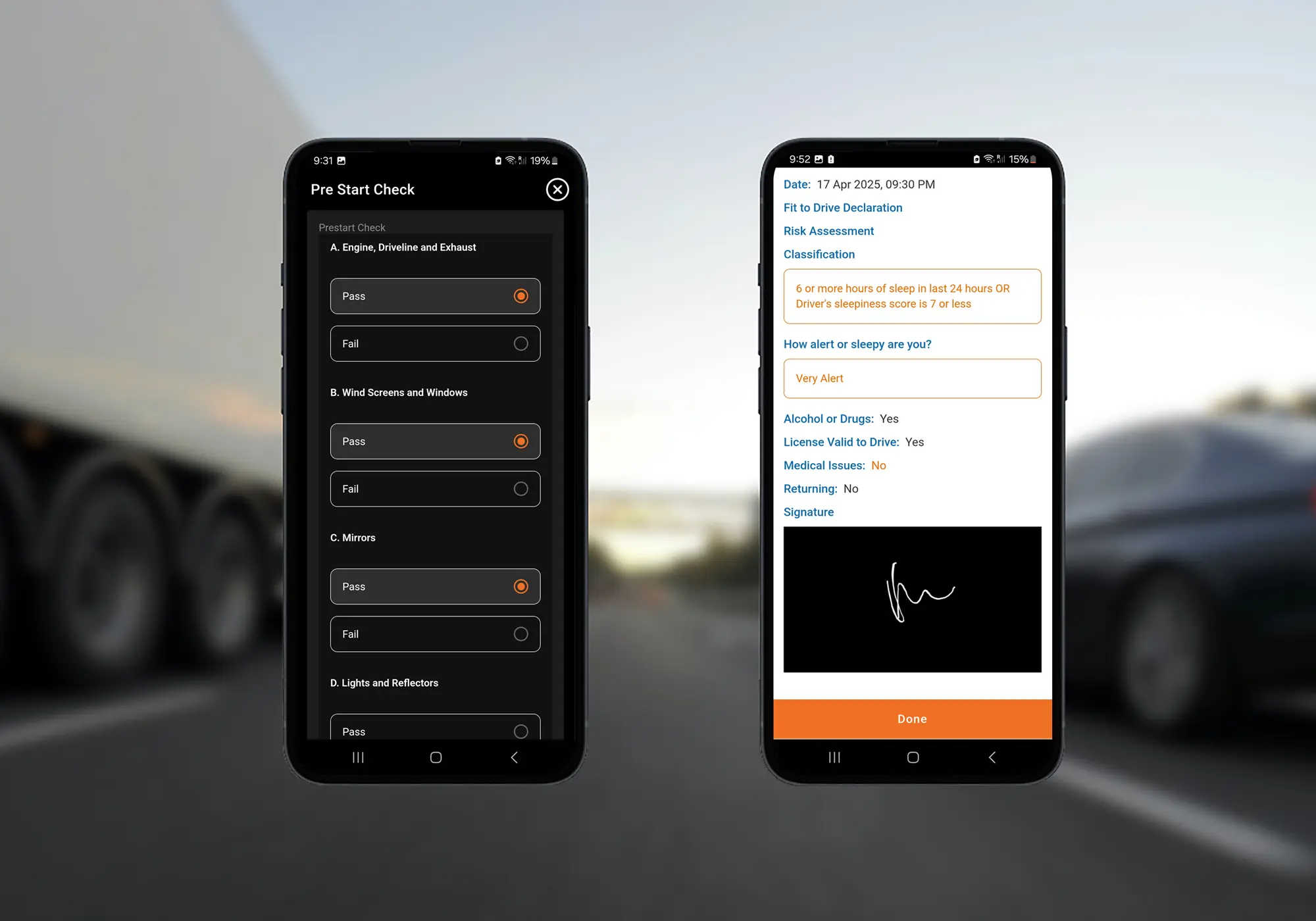
Logmaster digital forms on a mobile phone

Buying Trackers With Compliance in Mind

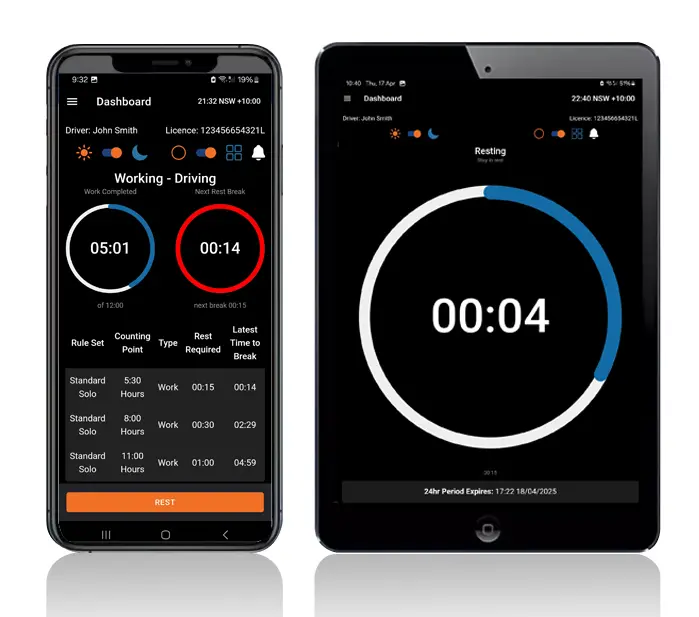
Logmaster dashboard on a mobile phone and tablet
List the trackers you're considering and ask the Logmaster team which of them connect.
Book a Logmaster demo to see what connected tracker data looks like in the portal.
Choose your tracker and have it fitted by your provider.
Set up Logmaster, add your trucks and link the tracking platform in the portal.
Move drivers onto the app and start reviewing alerts from the first week.
Book a Demo

Frequently Asked Questions

Choose a Tracker That Works With Your Diaries

Book a demo and ask the Logmaster team which trackers connect, before you sign up for one.
Book a Demo

Download / Updating the app

Get it on Google PlayDownload on the App Store

Support

TRAINING CENTREFREQUENT QUESTIONSPRICING INFORMATION

Resources

Work & Rest RulesFor AuditorsFAQDownload Transport Compliance System BrochureArticles & MediaReseller ResourcesNHVR CertificationISO 27001 CertificationReleasesInvestorsBranded Device BackgroundsJoin Mailing List

Contact us

Level 1/63-73 Ann St, Surry Hills NSW 2010

New Enquiries
(02) 7228 6269
Support and Training
(02) 7228 6266
[email protected]LogmasterISO/IEC 27001 certified