Introducing an electronic work diary to a company touches drivers, schedulers, payroll, safety and IT. A clear rollout plan stops it becoming one person's side project.
Logmaster's NHVR approved EWD comes with a team that has helped more than 1,200 businesses make the move.
Most problems come from gaps between departments. Drivers aren't told why it's happening, schedulers don't know the alerts exist, and nobody decides who reviews breaches.
A rollout is also the moment to settle record keeping responsibilities, which the operator shares with the EWD provider.
A Platform Each Department Can Use
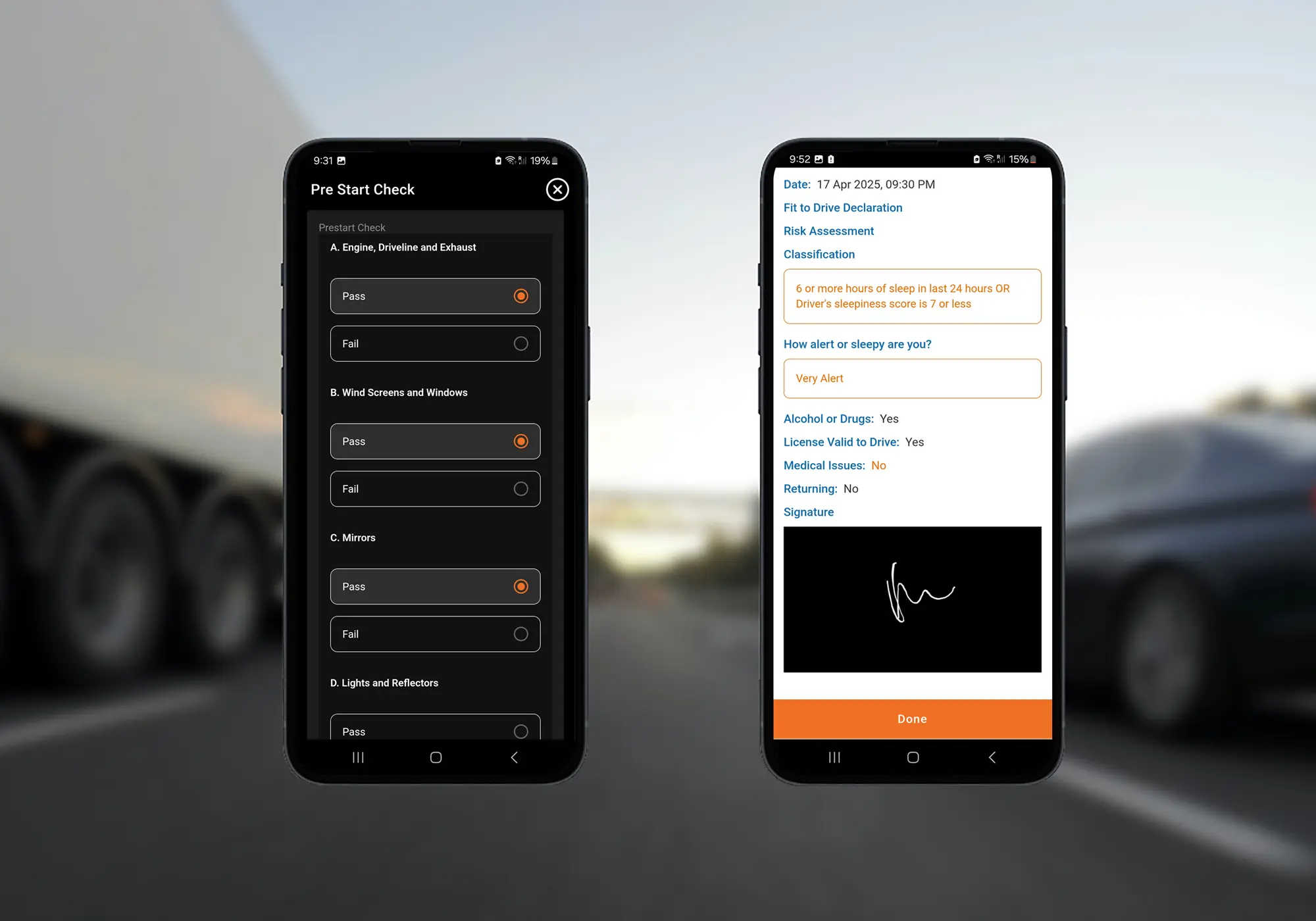
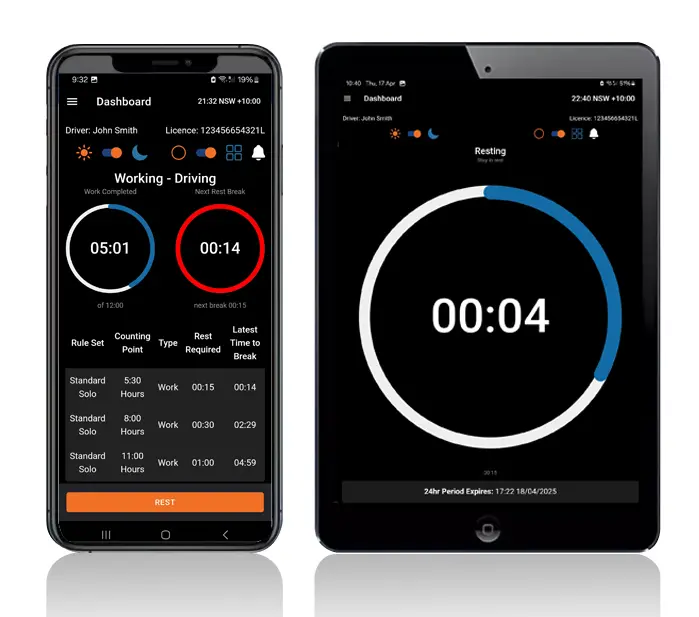
Logmaster gives drivers the app and gives the office a web portal with live entries, alerts and reports. Custom forms, checklists and expiry alerts sit alongside the diary, so safety and compliance teams work in the same system.
Reports can be scheduled, and API connectivity lets diary data reach payroll or other business systems.
Bring in operations, safety, scheduling, payroll and a driver representative at the start, and give one person ownership of the rollout.
Write an EWD Policy
Set out who uses the EWD, which devices are allowed, how faults are reported and who reviews potential breaches.
Plan the Devices
Decide between drivers' own phones and company tablets, which Logmaster can supply with truck mounts.
Train Before Go‑Live
Drivers must be trained on their obligations and the EWD before using it, and record keepers need training on the portal.
Set Record Keeping Rules
Agree who the record keeper is, how records are retrieved and how the three-year retention is met.
Prepare for Malfunctions
Document the steps for a failed device, including notifying the NHVR within two business days and moving the driver to supplementary records.
Responsibilities in a Company Rollout
Heavy Vehicle Drivers
Drivers need to know what's changing, when, and who to call. Involving a driver representative early makes the rest of the workforce more willing.
Fleet Managers and Record Keepers
Record keepers take on reviewing alerts, following up potential breaches and managing faults, so their routine should be agreed before go-live.
Transport Business Owners
Owners and executives sign off the policy and resourcing, and need regular reports to verify the system is being used as intended.
Rollouts at Every Scale
Logmaster has supported rollouts for operators like PFD Food Services, Cleanaway and Greyhound Australia, and for businesses with a handful of trucks.
The platform is ISO 27001 certified, which matters to companies whose IT teams review every new system.
A Rollout Timeline
Agree the policy, the owner and the stakeholders before choosing devices.
Set up the portal with drivers, vehicles, fatigue plans, forms and alert rules.
Pilot with one depot or team and gather feedback.
Train each remaining group of drivers before their go-live date.
Review reports monthly and update the policy as the business learns.
One person with authority across operations and compliance, supported by a small group that includes a driver representative. Without a clear owner, decisions about devices, alerts and breach reviews tend to drift.
Who uses the EWD and which devices are approved for it, how drivers report faults, who reviews alerts and potential breaches, how records are kept and for how long, and what happens if a device fails on the road.
The operator, as record keeper, and the EWD provider share legal responsibility for record keeping functions. The record keeper must be able to access three years of each driver's records.
Both work with a device agnostic EWD like Logmaster. Company tablets give you control over the device and can be fitted with truck mounts, while personal phones avoid hardware costs. Write the choice into your policy either way.
Give them portal access so they can see each driver's hours as they're logged. When schedulers can see who has time left, they're more likely to plan work within the limits rather than react to alerts.
Ready to Plan Your Company Rollout?
Book a demo and talk through your stakeholders, policy and training plan with the Logmaster team.