The driver writes the logbook. The office has to read it, check it and file it.
Logmaster's web portal puts every driver's NHVR approved electronic work diary online, live, with alerts for anything that needs attention.
With written diaries, the office sees a shift days after it happened, when a breach can no longer be prevented. Sheets go missing between the truck and the filing cabinet.
Record keepers end up chasing paper instead of managing fatigue.
Logmaster: Logbooks You Can Open From the Office
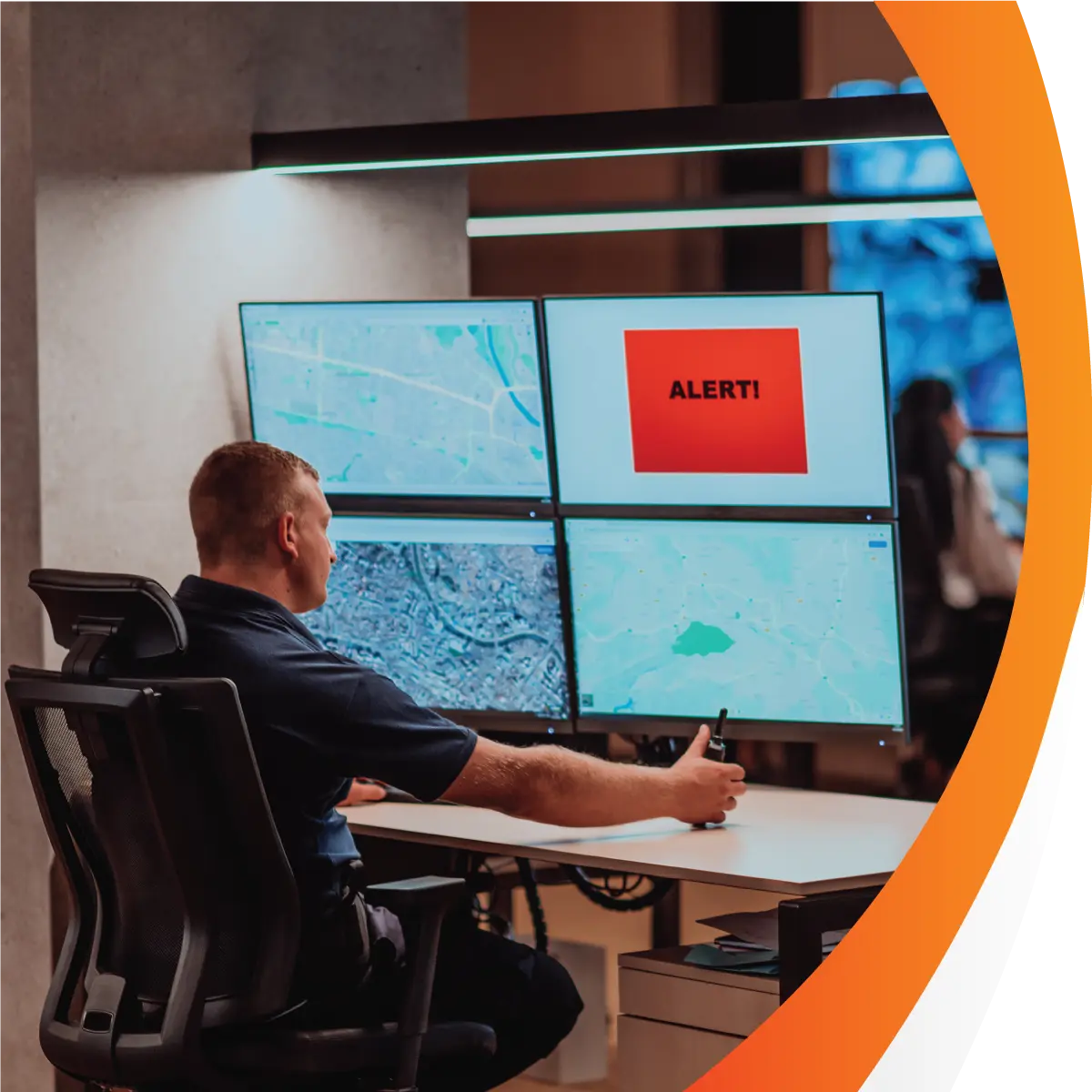
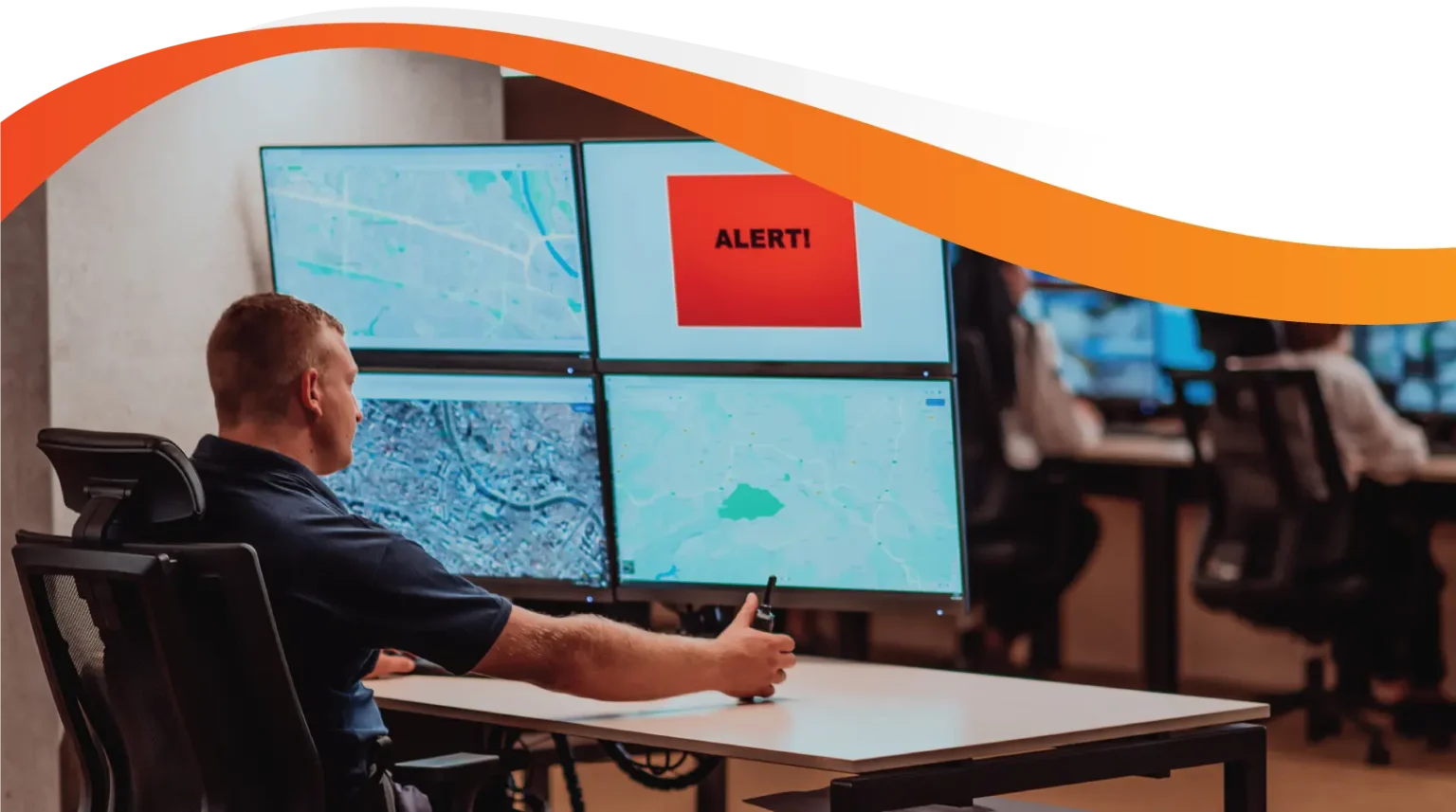
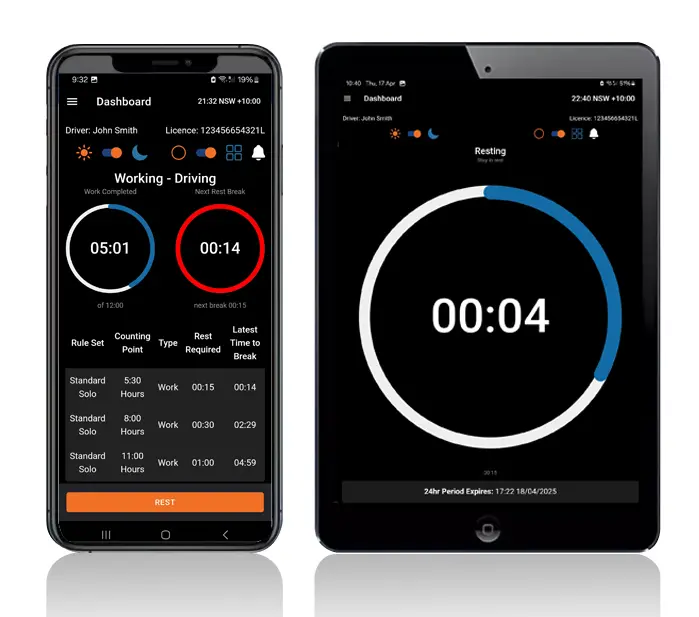
The Logmaster web portal shows each driver's entries as they sync from the app, so the office knows who is working, who is resting and who is close to a limit.
Alerts flag potential breaches during the shift. Reports pull the logbooks together for reviews and audits, and API connectivity feeds other business systems.
Fleets already tracking with Geotab or Microlise can connect it to Logmaster and see vehicle location alongside each driver's work and rest records.
Work and rest entries appear in the portal as each driver's app syncs.
Breach Alerts
Potential breaches are flagged while the shift is still running, giving time to change the plan.
Expiry Reminders
Licences, registrations, medicals, training and inductions are flagged before they lapse.
Reports on Demand
Simplified and compliance reports turn the logbooks into summaries for managers and auditors.
Forms in One Place
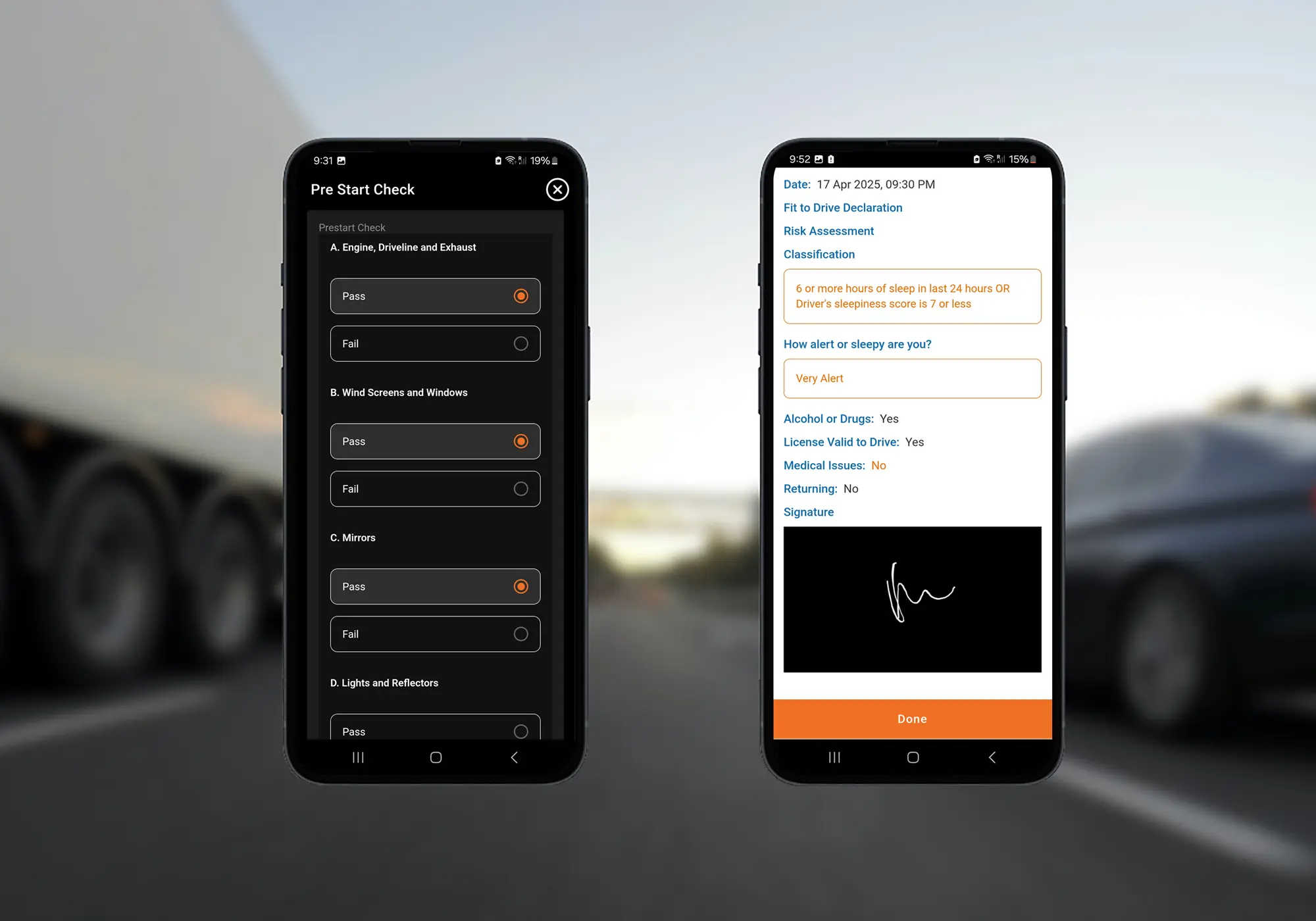
Pre-starts, defects, incidents and custom forms arrive in real time and export as PDFs.
Paper Drivers Too
Written diaries can be keyed in through paper workbook entry and checked for breaches.
Who Uses the Portal
Heavy Vehicle Drivers
Drivers make entries in the app and know the office sees the same hours, so conversations about breaks start from the same numbers.
Fleet Managers and Record Keepers
Record keepers open any driver's logbook online, work through alerts and export records without leaving their desk.
Transport Business Owners
Owners see fatigue across the fleet in one place and have the records to show the reasonable steps Chain of Responsibility asks for.
The Portal Behind 10,000+ Logbooks
Record keepers at more than 1,200 businesses, including PFD Food Services and Cleanaway, check their drivers' logbooks online in Logmaster.
The EWD carries NHVR approval and the platform is ISO 27001 certified.
Setting Up the Online Logbook
Open your Logmaster account and log in to the web portal.
Add drivers, vehicles and record keepers.
Turn on the alerts you want for breaches and expiring documents.
Drivers start recording in the app, and their entries appear in the portal.
Run reports and exports whenever a manager or auditor asks.
Yes. Entries appear in the Logmaster web portal as each driver's app syncs. If a driver is out of coverage, the entries arrive once the phone reconnects.
The portal flags potential fatigue breaches during the shift and sends expiry alerts for licences, registrations and driver documents such as medicals and inductions. With Connected Fleets, it can also flag issues such as unallocated movement.
Yes. Paper workbook entry lets record keepers enter written diary records and check them for breaches. That's useful for fleets that run paper and electronic drivers side by side.
Each entry carries the suburb captured at that moment. Fleets using Geotab or Microlise through Connected Fleets can also see a map overlay of work and rest events, because Logmaster itself doesn't provide GPS vehicle tracking.
Logmaster offers API connectivity alongside its reports. Ask the team what your systems need and how the data would flow.
Ready to Read Every Logbook From Your Desk?
Book a demo and walk through Logmaster's web portal, from live entries to the audit report.