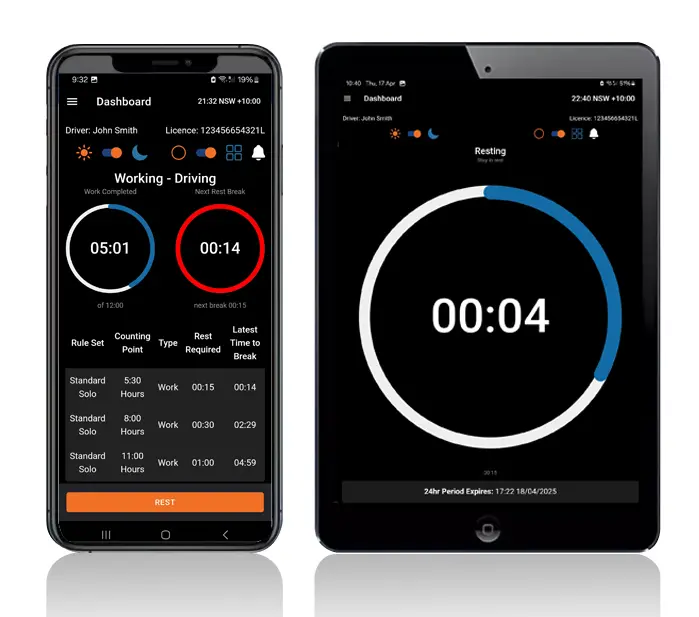
Logmaster is an NHVR logbook app that counts your hours, reminds you when a break is due and keeps your records ready for any roadside check.
The National Heavy Vehicle Regulator (NHVR) has approved it as an electronic work diary, and it runs on Android and Apple devices.
Under the Heavy Vehicle National Law (HVNL), drivers are expected to keep accurate records of every shift, and operators to act on them. Paper logbooks leave too much room for error.
An app does the counting for you.
Logmaster: An NHVR Approved Logbook App
The Logmaster app is an electronic work diary (EWD) with NHVR approval, built for heavy vehicle drivers in Australia. It replaces the written National Driver Work Diary for drivers who need one.
Drivers can use their own phone, or Logmaster can supply a tablet with a truck mount for the cab.
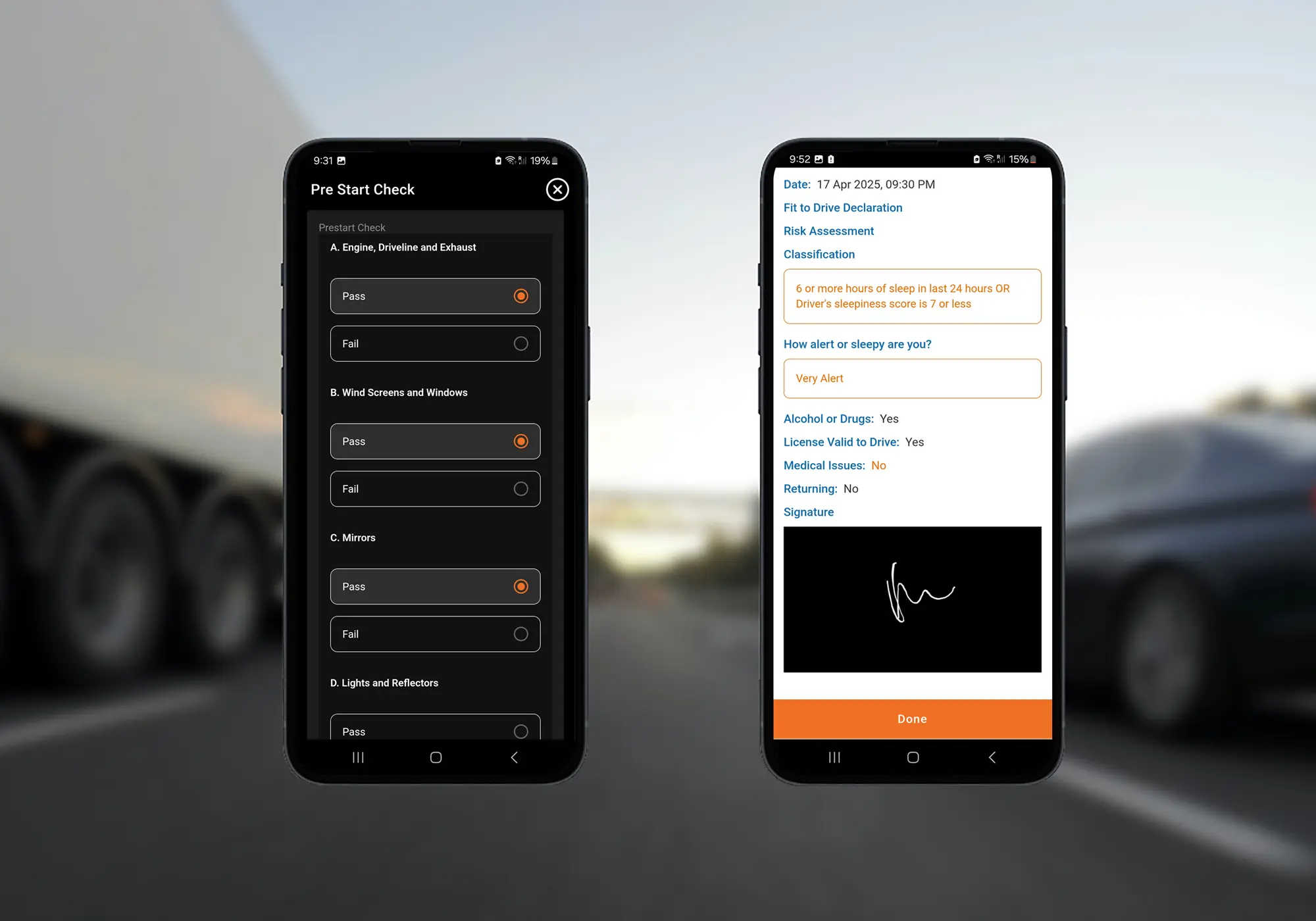
Inside the app, drivers also complete fitness declarations and pre-start checklists, and report incidents on the spot.
Each work and rest period is timed to the minute, and the app works out what's left in the day. No 15-minute rounding and no mental arithmetic.
Break Alerts on the Driver's Phone
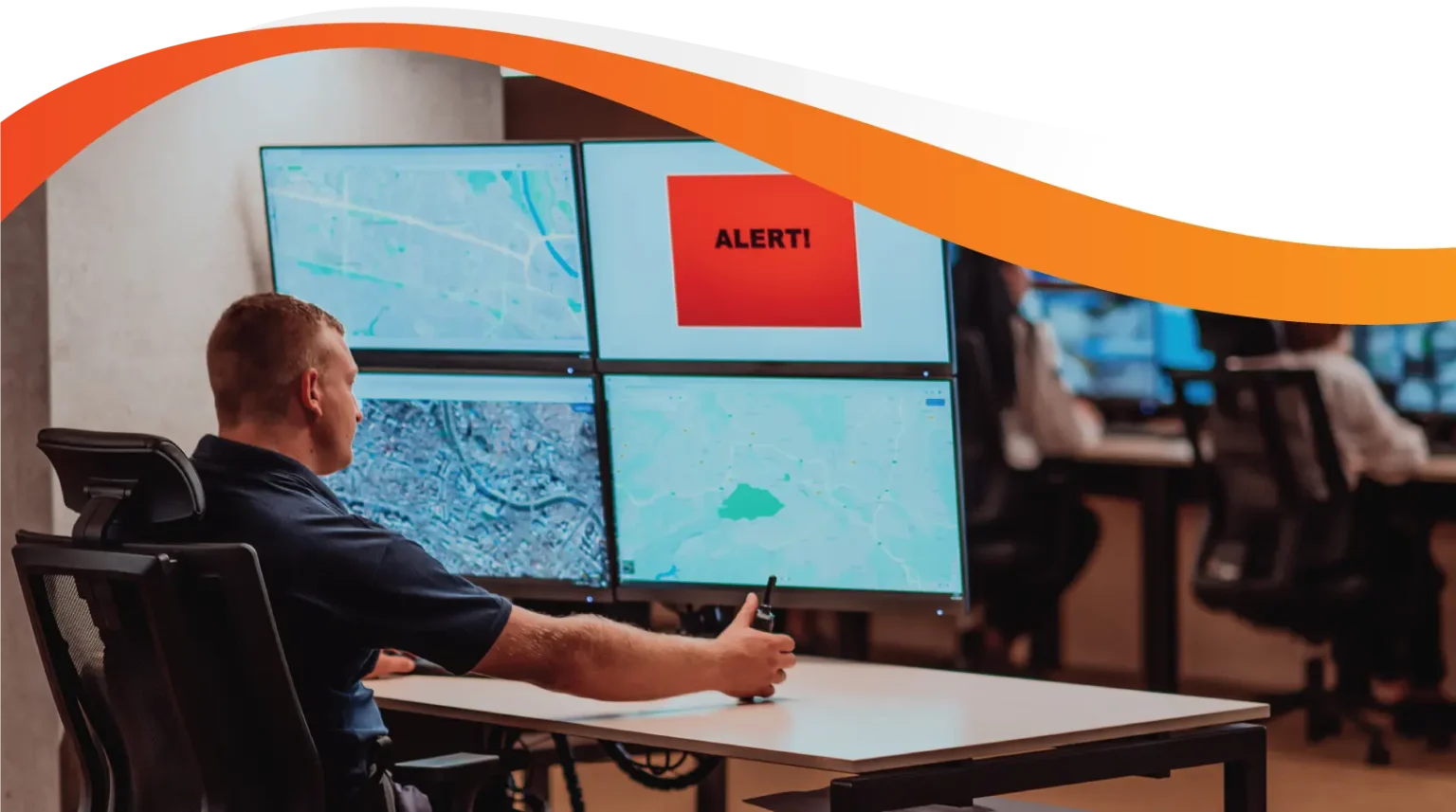
The app warns the driver before a rest break is due, and the office sees the same picture in the portal.
Ready for a Roadside Check
When an officer asks to see the logbook, the driver shows the app. Entries are clear and in order, which can make the check quicker than paper.
Logging Continues Without Coverage
The app doesn't need a signal to record. It saves entries on the phone and sends them once it reconnects.
No Paperwork Left to Submit
Log sheets are sent to the record keeper every week, and checks and declarations are submitted from the app.
One App for Every Job a Driver Takes
Drivers who contract to several operators use the same app across every job, so their hours are counted in one place.
What the App Does for Each Person
Heavy Vehicle Drivers
Drivers get a guided screen for each entry, a clear countdown of time left and a reminder before every break is due.
Fleet Managers and Record Keepers
Record keepers see entries arrive in real time, act on alerts and set up weekly or monthly reports. Drivers still on paper can be entered and checked for breaches.
Transport Business Owners
Owners get an accurate log for every driver in the business, which supports their Chain of Responsibility duties on fatigue.
An Approved App Drivers Use Daily
More than 10,000 drivers log their hours in the Logmaster app, across the HVNL states and in WA under its own fatigue plans.
PFD Food Services, Cleanaway and Greyhound Australia use it across their fleets, and Logmaster's information security is ISO 27001 certified.
First Steps With the Logbook App
Sign up at logmaster.com.au, or get in touch with the team to talk through setup and pricing.
Drivers install the app from their phone's app store. Fixed tablets with truck mounts are also available.
On their first shift, drivers create a profile, sign a fitness declaration and log their first work period.
The office opens the web portal to see each driver's activity and respond to alerts.
Log sheets go to the record keeper every week with no one needing to send them.
Yes. The National Heavy Vehicle Regulator has approved Logmaster as an Electronic Work Diary, which is what allows drivers to use it instead of a paper logbook under the HVNL.
From the App Store or Google Play, on Android 7+ or iOS 12.5.5 and later. It works in every state and territory that runs under the HVNL, and supports WA fatigue plans for drivers crossing into Western Australia.
Set up a profile, complete a digital fitness declaration, then begin recording work and rest periods straight away. Entries replace handwriting with guided screens.
Automatic offline mode keeps capturing all required data and syncs when the device is back in coverage. Drivers do not switch it on or off.
No. Log sheets are sent to the record keeper automatically each week, and fitness declarations and pre-start checklists are captured digitally in the same app.
Ready to Swap the Paper Logbook?
Book a demo and see the logbook app from the driver's side, from the first entry to End of Day sign-off.