From 1 August 2026 the NHVR’s Heavy Vehicle Accreditation (HVA) scheme has replaced NHVAS. Basic Fatigue Management (BFM) and Advanced Fatigue Management (AFM) are being replaced by one accreditation: Alternative Compliance Accreditation – Fatigue (ACA–Fatigue). The work and rest hours it approves are called Alternative Compliance Hours (ACH).
If you hold BFM or AFM today, nothing changes yet. Your accreditation stays valid until it expires, is cancelled, or you choose to move across. Logmaster keeps running your current hours until then. If you want to move early, contact the NHVR at [email protected].
This article covers two things:
-
the steps to get ACH approved by the NHVR
-
how Logmaster sets up your approved hours
Part 1: Getting ACH approved by the NHVR
Step 1. Hold General Safety Accreditation (GSA), or apply for both together
ACA–Fatigue sits on top of General Safety Accreditation (GSA), the entry level of the HVA scheme. You need GSA to get ACA–Fatigue. If you don’t have it yet, you can apply for both at the same time. The NHVR recommends doing that: one set of audits costs less than two.
If you add ACA–Fatigue more than 5 months after your GSA is granted, it is treated as a new application, with a new entry audit.
Step 2. Choose your hours: a templated table or your own
The NHVR has published ten templated Tables of Hours. They are based on common BFM and AFM hours and have already been risk-assessed. Choosing one is the quickest path. The full details of each table are in the NHVR’s information sheet and on its ACA–Fatigue page:
Some tables carry an elevated risk profile. They may need specialist review and extra application fees.
If none of the ten fits your operation, you can propose your own (bespoke) table. The NHVR assesses it with its Risk Classification System Matrix, which is explained on the ACA–Fatigue page above.
Whatever you choose, no ACH can go past the legislated outer limits:
|
|
Max work in any 24 h |
Min rest in any 24 h |
|---|---|---|
|
Solo driver |
15½ hours |
7 continuous hours of stationary rest |
|
Two-up driver |
14 hours |
5 continuous hours of stationary rest, or 5 continuous hours in an approved sleeper berth while the vehicle is moving |
Split rest (a 24-hour rest taken in two parts, totalling at least 8 hours with one part of at least 6) may be allowed as a separate condition. It can’t be scheduled. It is only for sleep problems, unforeseen circumstances or emergencies, and the NHVR sets how often it may be used.
Step 3. Build your safety management system and fatigue risk management system
The NHVR approves ACA–Fatigue only if your safety management system (SMS) meets:
-
the GSA requirements of the SMS Standard 2026
-
Schedule 1 of that Standard, which covers fatigue
-
the Ministerial Standard for Alternative Compliance Hours
You submit your proposed hours with a safety case and your fatigue risk management system. The safety case explains why the hours suit your operation, and the risk management system shows how you manage the risk.
Schedule 1 asks you to show, with records:
-
Responsibility. Who manages fatigue, with the authority to act. Drivers can report fatigue without fear of reprisal.
-
Scheduling and rostering. Rosters follow your approved hours, are recorded and reviewed, and changes are managed.
-
Operating limits. These are set to your real fatigue risks. Going over them only happens in controlled situations, and never past your approved hours.
-
Fitness for duty. Driver medicals to the Austroads Assessing Fitness to Drive standard, including sleep-disorder screening: every 3 years for drivers 49 and under, every year for 50 and over. Drivers also confirm they are fit before and during work.
-
Workplace and vehicle conditions. Sleeper berths and away-from-home rest let drivers sleep properly.
-
Training. Drivers are competent in TLIF0030 Apply a fatigue risk management system, and schedulers and supervisors in TLIF0031 Administer a fatigue risk management system. A previously recognised fatigue qualification also counts. Refresher training is required.
-
Review and improvement. You monitor work and rest records, roster changes and driver feedback, investigate incidents for fatigue, and fix root causes.
-
Evidence. Work and rest records “such as work diaries or electronic logs” that reliably show you stay within your approved hours, plus records of training, reviews and corrective actions.
Step 4. Book an approved auditor and apply in NHVR Go
-
Choose an HVA scheme approved auditor and book an entry audit.
-
Lodge an audit application in NHVR Go at least 28 days before the audit, naming the auditor and the date. A company director, or the individual who will hold the accreditation, must submit it.
-
The NHVR confirms your auditor, or offers alternatives.
Have these ready:
-
your 5-year compliance history declaration
-
details of any previous accreditation that was amended, suspended or cancelled
-
a current list of your drivers
Step 5. The entry audit
The entry audit checks that your SMS, including the fatigue requirements, is Present and Suitable for the size and risk of your business.
The auditor uploads the report to NHVR Go and you review and accept it. Before it can be submitted, the corrective actions must be agreed, any major corrective actions completed, and the report signed by you.
Step 6. NHVR assessment and your certificate
Most HVA applications are completed within 14 days. ACA–Fatigue applications can take longer, because the NHVR assesses each one individually.
You can start operating on ACH once you receive your certificate and approval letter. Accreditation labels follow by mail.
Your drivers must carry:
-
a copy of the certificate
-
a signed letter confirming they operate under your accreditation
-
their work diary
Step 7. Keeping it
-
Accreditation is usually granted for 2 years, and up to 3 if the NHVR agrees.
-
An initial compliance audit happens 6–7 months after the grant. It can be waived if the entry audit found your system already fully operating and effective.
-
A compliance audit happens between 9 months and 1 month before expiry. You then lodge a maintain accreditation application, up to 6 months before expiry.
-
Do at least one internal self-assessment a year.
-
Change auditors after two consecutive accreditation periods.
-
Keep your driver list current in NHVR Go.
Help from the NHVR: 13 64 87 (13 NHVR), [email protected], [email protected].
Part 2: How Logmaster runs your ACH
Before your drivers can use a table, the NHVR has to approve it on our system
Logmaster is an NHVR-approved Electronic Work Diary (EWD). Your ACA–Fatigue certificate approves your hours. It doesn’t automatically approve our system to run them. Before your drivers can use an ACH table in Logmaster, we apply to the NHVR to add that table to our approved EWD, and prove with documentation that we have built it correctly.
Here’s how it works:
-
You send us your certificate (and your draft table while the NHVR is still assessing it, if you can).
-
We build your table into Logmaster’s compliance engine as its own ruleset, including any conditions on your certificate.
-
We test every rule in the table and document the results. For each rule we show a compliant example and each breach level (minor, substantial, severe and critical), with the engine settings and how the table is assigned to your business.
-
We apply to the NHVR to add the table to our approved EWD, with that documentation.
-
Once the NHVR approves it, we switch the table on for your business, and your drivers can select it in the app.
Allow time for this between receiving your certificate and using it in Logmaster. The NHVR sets its own assessment time, so start the conversation with us when you apply, not when the certificate arrives. If we have your draft table early, we can build and test it while your application is being assessed.
The ten templated tables are already built into Logmaster’s compliance engine. Even if you choose a templated table, we still apply to the NHVR for your certificate. The approval is made for each operator, not once per table, so the steps above apply to every operator.
Your own (bespoke) table
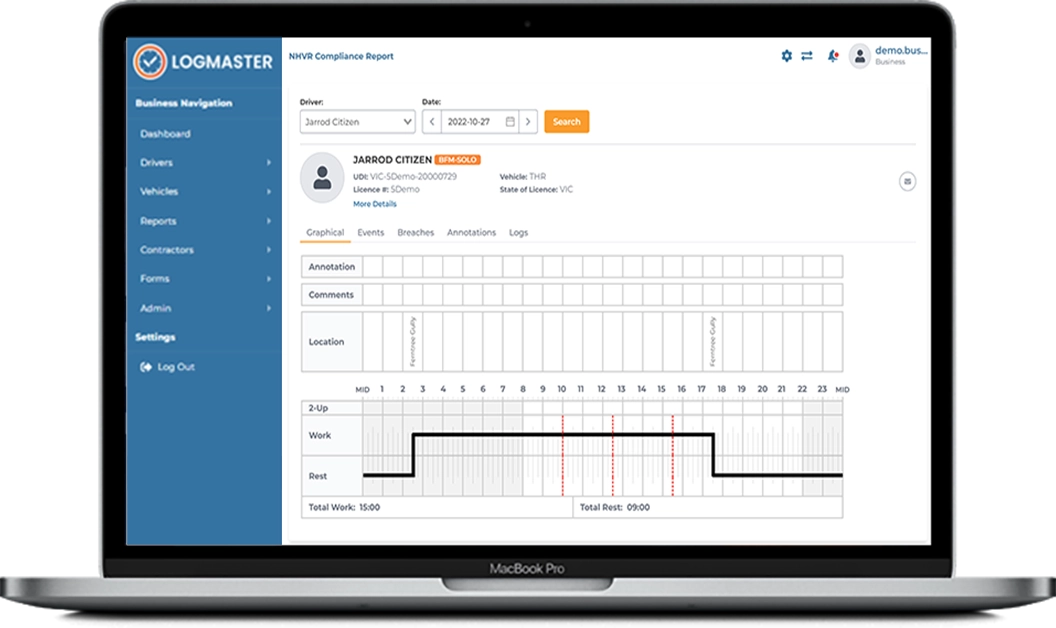
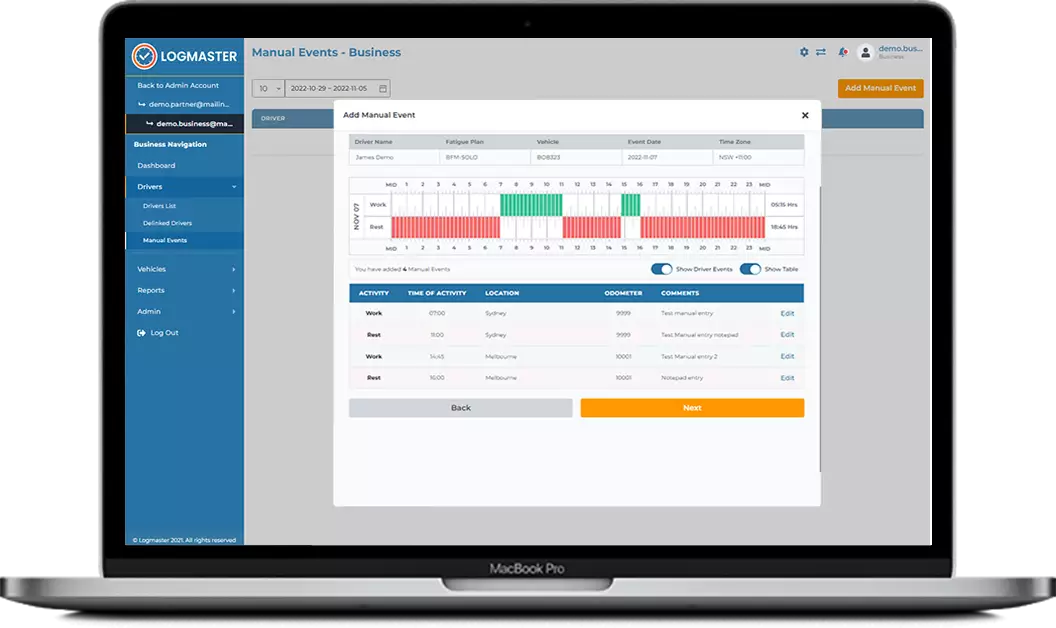
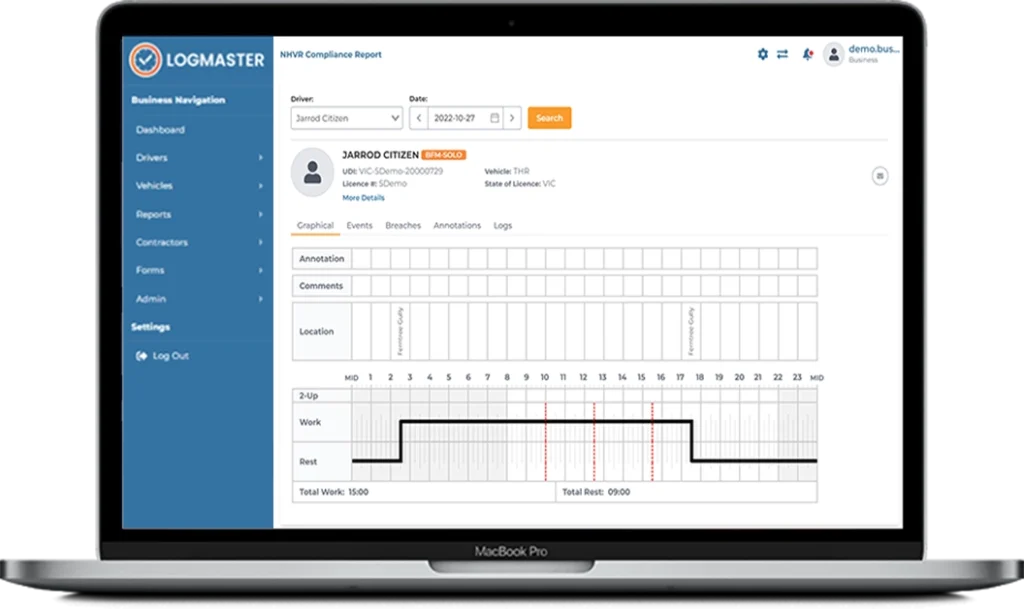
If the NHVR approves bespoke hours for you, it goes through the same steps. This is how we have always added AFM certificates to Logmaster. Your table is built as its own ruleset, tested rule by rule, and submitted to the NHVR for approval on our EWD. Once approved, it works like any other table in the app and the portal, including the warnings and breach reporting.
-
If your certificate carries more than one table, or extra conditions such as split rest, two-up arrangements, or the concrete agitator or livestock exemptions, include them all. Each one is built and tested.
When the new EWD standard (EWD 2.0) arrives
The NHVR is replacing the current EWD standards with a new generation (EWD 2.0). How tables are approved on an EWD is expected to change, and the NHVR hasn’t yet said how the new process will work. What it has said is that each template should only be available to operators who are accredited to use it. Logmaster already works that way: a table is only switched on for a business that holds it.
Until the NHVR publishes the new process, the steps above apply. We’ll let you know when that changes.
Evidence for your audits
The Schedule 1 Evidence requirement asks for reliable work and rest records that show you stay within your approved hours. Logmaster gives you:
-
the drivers’ electronic work and rest records
-
breach reports by driver and rule
-
pre-start fitness-to-drive answers
Those cover the work and rest side of your audit evidence. Your policies, medicals, training and internal reviews are still yours to keep, and your auditor will ask for those too.
Questions about setting up ACA–Fatigue in Logmaster: contact Logmaster support.