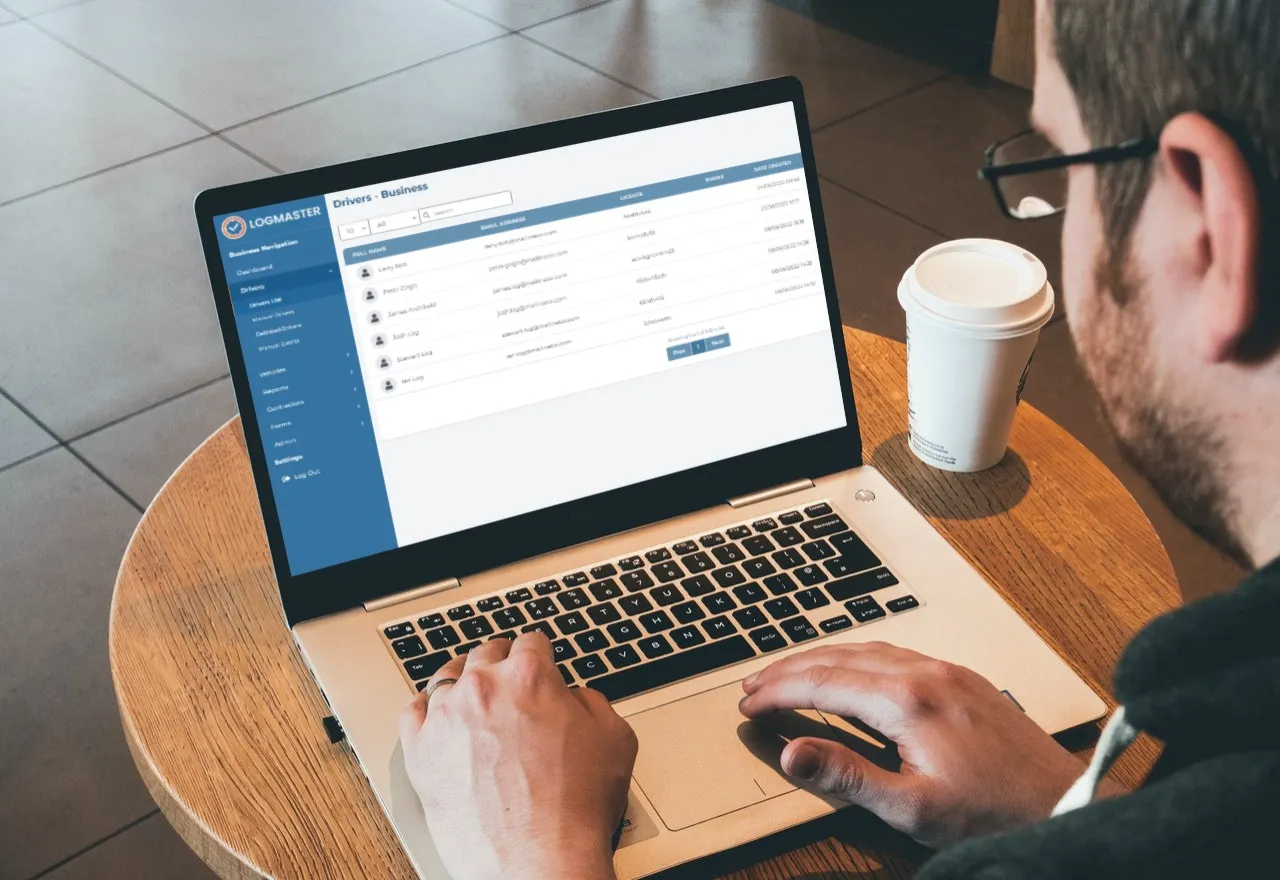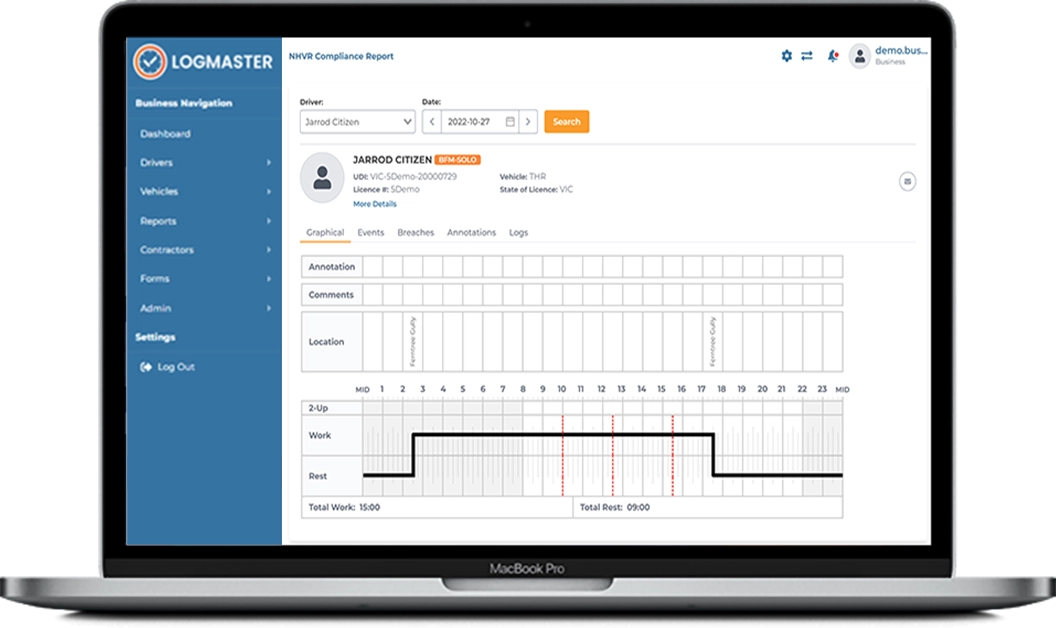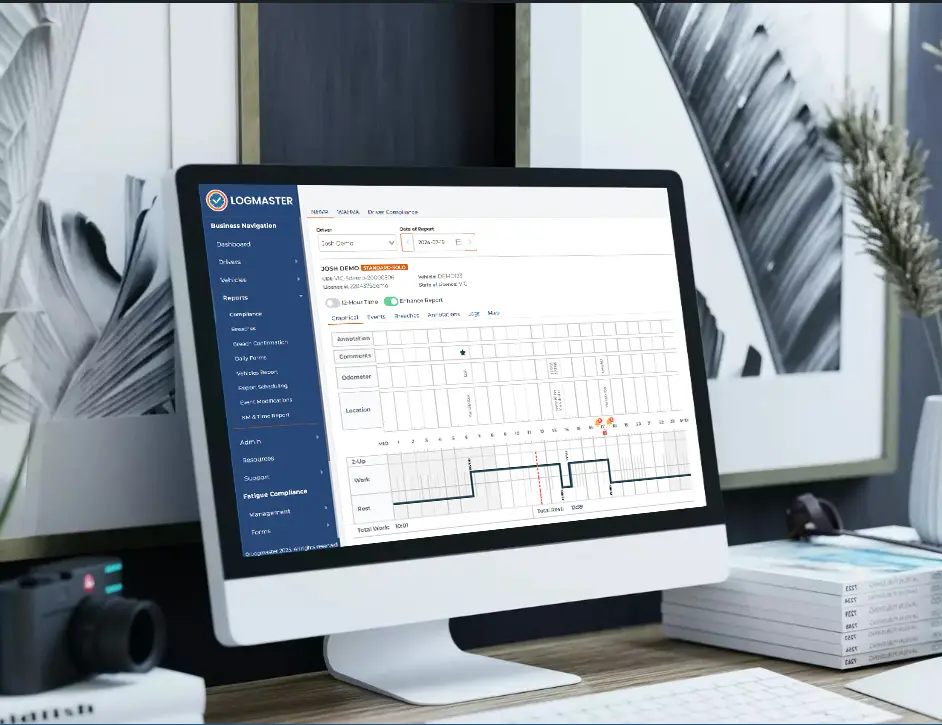
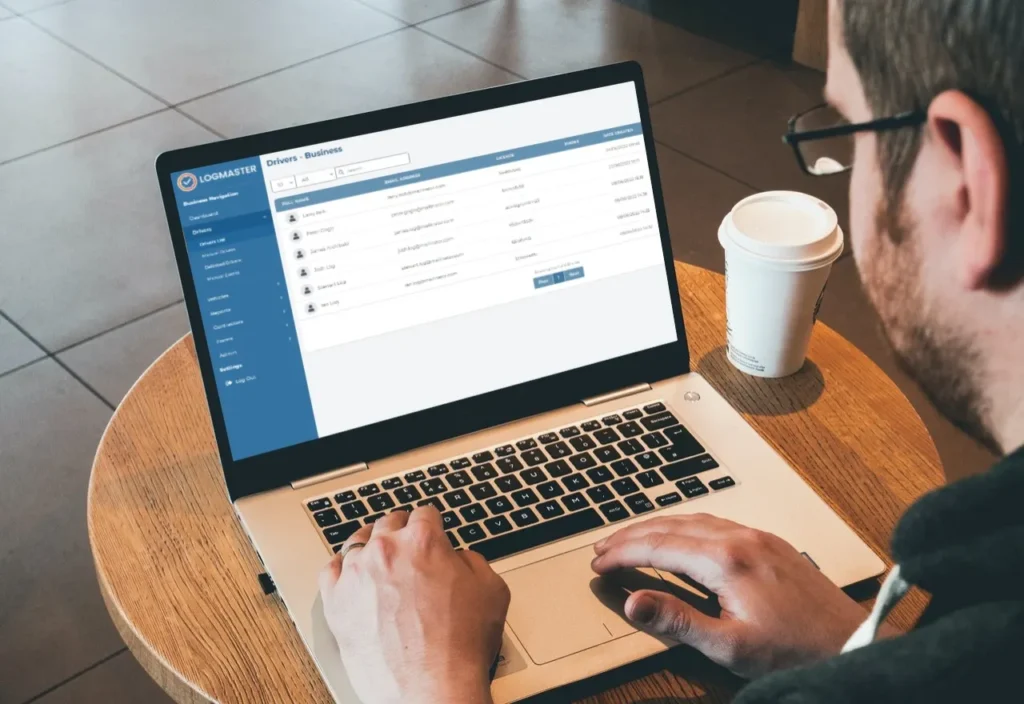
A record keeper is the person or business that holds a heavy vehicle driver’s work and rest records under the Heavy Vehicle National Law (HVNL). Logmaster is an NHVR-approved Electronic Work Diary (EWD) that records those hours and gives record keepers the tools to check, investigate and correct them. This guide explains the obligations in plain language and how Logmaster supports each one.
Key facts
- The HVNL applies in Queensland, New South Wales, Victoria, South Australia, Tasmania and the ACT. Western Australia and the Northern Territory have their own rules.
- The amended HVNL commenced on 1 August 2026. It added a duty not to drive while unfit to drive, replaced NHVAS with Heavy Vehicle Accreditation (HVA), and introduced Alternative Compliance Hours (ACH) in place of new BFM and AFM accreditation.
- For an employed driver on standard hours, the employer is the record keeper. For a driver on BFM, AFM or ACH, the accredited operator is the record keeper. Records must be kept for at least 3 years.
- Records must be kept for at least 3 years.
- Drivers on a written work diary must give the record keeper a copy of each daily sheet within 21 days. Drivers on an EWD such as Logmaster have nothing to hand in: the record keeper sees the records in the portal.
- A breach cannot be deleted. Wrong data can be corrected with evidence. A real breach must be investigated.
- Logmaster's breach engine calculates breaches. Record keepers check the data and investigate the cause; they do not need to count hours by hand.
- Everyone in the Chain of Responsibility, including schedulers, must ensure so far as reasonably practicable that drivers can work within their hours.
Who is the record keeper?
The record keeper is decided by how the driver works, under section 317 of the HVNL.
| Driver's situation | Record keeper |
|---|---|
| Employed driver on standard hours | The employer |
| Self-employed driver | The driver |
| Driver on BFM, AFM or Alternative Compliance Hours | The operator holding the accreditation |
The record location is where the record keeper keeps the driver’s records, as it tells the driver. If none is given, it is the driver’s base. A driver who works for two businesses can have two record keepers, each keeping records of the work done for it.
In practice the record keeper is often a compliance officer, transport manager or allocator working in the office. In Logmaster, the portal has a built-in Record Keeper role for this person.
What Records to Keep, and For How Long
Record keepers must keep records for every driver of a fatigue-regulated heavy vehicle, for at least 3 years. What they keep depends on how far the driver works from base and which hours they work under.
| Driver | Work diary needed? | Records the record keeper keeps |
|---|---|---|
| Standard hours, within 100 km of base (100 km work) | No | Name, licence number, days driven, work and rest times, rosters and trip schedules |
| Standard hours, beyond 100 km (100+ km work) | Yes | The above, plus work diary records (written diary copies, supplementary records, or EWD records) |
| BFM, AFM, ACH or an exemption | Always | The above, plus accreditation and induction records |
Records must be kept in a form an authorised officer can read and that would work as evidence.
With Logmaster: EWD records are stored in Logmaster and available to the record keeper in the portal, including for drivers who have since left. Paper records and rosters are not automatically in Logmaster. Keep them in your own system, or attach paper diary pages to the manual events entered from them.
Electronic work diaries and Logmaster
An approved EWD can be used instead of the written National Driver Work Diary. Logmaster is approved by the NHVR and runs on the driver’s phone, with records sent to the business’s Logmaster portal.
What changes for the record keeper with an EWD:
- No pages to collect. The driver’s records are available in the portal as soon as they sync.
- Breaches are calculated automatically. Logmaster’s breach engine checks each driver’s work and rest against their hours option and alerts the business.
- Every change is recorded. Driver edits, manual entries, late locks and tampered events are logged and reported.
- Drivers get warnings first. The app warns drivers before a breach and again before they sign off and lock their day.
When the EWD can’t be used
If a driver’s EWD is malfunctioning, filled up, lost, stolen or destroyed, the driver must tell the record keeper within 2 business days. The record keeper must then:
- Tell the driver to record their hours another way (a written work diary or supplementary records) until the EWD works again.
- Notify the NHVR within 2 business days.
- Give the driver any of their last 28 days of records they can’t otherwise access.
- Get the EWD working, or give the driver one that works.
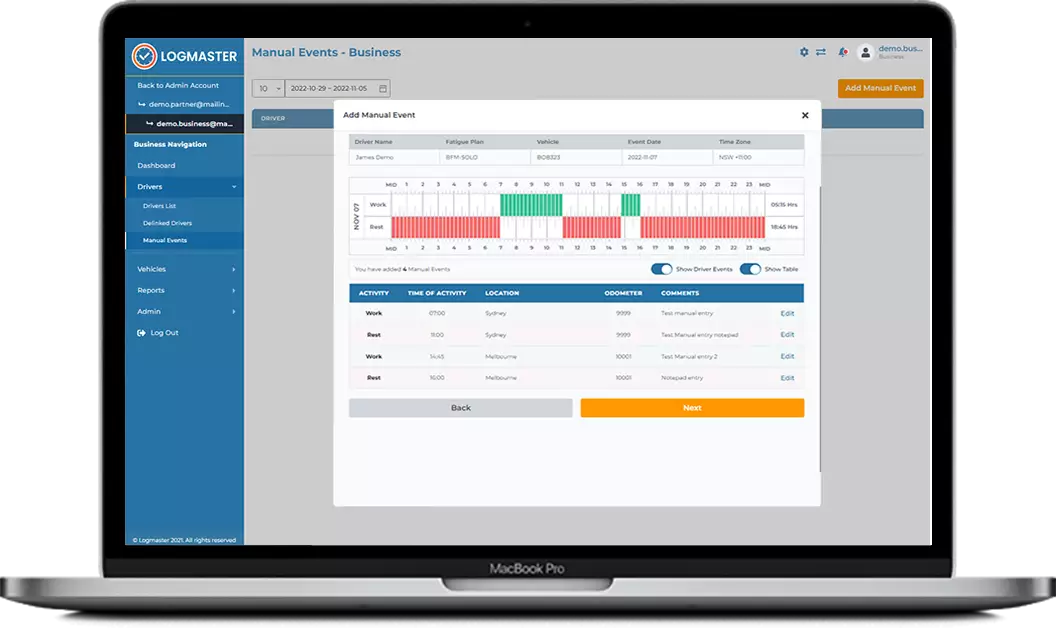
With Logmaster, the commonest cause is a broken, lost or flat phone. The driver logs in on a new phone, and the record keeper enters the hours recorded on paper into Logmaster through Manual Events, with the paper record attached.
The NHVR’s Gen 2.0 EWD framework, announced in August 2026, changes how EWD systems are approved. The NHVR has said it adds no new record-keeping requirements for businesses using an approved EWD.
When a driver breaches: investigate, don’t try to figure out how to delete
A fatigue breach is a record of what happened, and nobody can delete it. Not the business, the driver or Logmaster. The record keeper’s job is to confirm the data is right, find out why the breach happened, act on it, and stop it happening again.
Logmaster shows each breach’s level (Minor, Substantial, Severe or Critical), the rule broken, whether it was too much work or too little rest, and how far over the limit it went.
The investigation process:
- Pick up the alert. A Driver Breach alert appears in the portal and by email. Acknowledge it with a note saying who is handling it.
- Check the data. Look at the driver’s compliance report. A very long work period with the odometer unchanged usually means the driver forgot to change to rest. If events were added later, run Breach Confirmation to apply the current position.
- Gather the facts. Roster and job sheet, telematics or GPS, fuel and toll records, customer sign-on times, any failed fitness declaration that day.
- Talk to the driver. Get their account and write it down. Ask whether the run was achievable and whether anyone asked them to keep going.
- Find the cause. Driver behaviour, a recording error, the schedule, a customer or loading delay, or something unforeseen.
- Act. No fault: record the finding and close. Driver at fault: a Non-Conformance Report (NCR) or your own disciplinary process. Business at fault: change the schedule, customer arrangement or process, and record the change.
- Follow up. Check the driver’s and the route’s breaches over the following weeks, and look for patterns across the fleet.
If the schedule or a customer caused the breach, it is a Chain of Responsibility issue for the business, not only a driver issue.
Each investigation record should hold the driver, date and breach; who investigated and decided; the evidence; the driver’s account; the cause; the action taken; and the follow-up, with dates.
Correcting records properly
Work records may be corrected when they are wrong, with evidence. They may never be changed to alter what happened. Under the HVNL it is an offence to make a false or misleading entry, keep two diaries for the same period, or change or destroy work records that must be kept.
| Situation | Who corrects it | How, in Logmaster |
|---|---|---|
| Events not yet locked | The driver | Edits the event in the app with a comment; the business gets an Event Modification alert |
| Events already locked | The record keeper | Manual Events in the portal, with evidence attached |
| Hours kept on paper because the EWD couldn't be used | The record keeper | Manual Events, with the paper record attached |
| Driver who uses a paper diary (non-EWD driver) | The record keeper | Manual Events for that driver |
Legitimate corrections include entering hours a driver recorded on paper, fixing a forgotten status change where telematics or the odometer shows the truck was stationary, and entering a new driver’s last 28 days of written diary history.
Not legitimate: adding rest that didn’t happen to clear a breach, changing times because someone says so with nothing to back it, or tidying records before an audit.
After any manual entry, run Breach Confirmation to see which breaches change and apply the result. Then review two reports regularly:
- Event Modifications: every driver edit, before and after, and whether it cleared a breach.
- Late Lock Events: days a driver locked late, usually after forgetting to log off.
Scheduling and Chain of Responsibility
Most fatigue risk is created in the office before the driver starts work. The HVNL puts duties on the office as well as the driver:
- Primary duty (section 26C). Every party in the Chain of Responsibility, including employers, operators, schedulers and consignors, must ensure so far as reasonably practicable the safety of their transport activities, and must not cause or encourage a driver to break the law.
- Executive due diligence (section 26D). Directors and senior managers must make sure the business has, and uses, processes to meet that duty.
- Prohibited requests and contracts (section 26E). No one may ask, direct or require a driver to drive while fatigued, unfit to drive, or in breach of their work and rest hours, or contract for it. Maximum penalty $20,000.
- Unfit to drive. Since 1 August 2026, drivers must not drive while unfit for any reason, and businesses must not cause or encourage it.
What this means for rostering:
- Plan work that fits the driver's hours with room for delays.
- Don't accept delivery windows that can only be met by breaching.
- Take account of the driver's recent work, not just today's shift.
- Contact a driver who fails a fitness declaration before they drive, and record the decision.
Logmaster tools for planning: the Trip Checker runs a planned trip through the breach engine using the driver’s real recent history, without saving anything, so you can see whether a run would cause a breach before you send the driver. The Fatigue Dashboard shows each driver’s next break, next night rest and next 24-hour rest.
What Logmaster Does, and What The Business Does
Logmaster records, calculates, alerts and keeps the audit trail. The business investigates, decides and acts.
| Logmaster does | The business does |
|---|---|
| Records drivers' work and rest as an NHVR-approved EWD | Keeps rosters, schedules and any paper records |
| Calculates breaches and alerts the business | Checks the data and investigates each breach |
| Logs every edit, manual entry, late lock and tampered event | Reviews those logs and questions changes that cleared breaches |
| Lets record keepers correct records through Manual Events, with evidence | Makes corrections only when there is evidence |
| Checks planned trips in the Trip Checker | Schedules work drivers can do within their hours |
| Provides product support | Gets its own legal advice where needed |
Logmaster will not delete a breach, recount a driver’s hours to make a breach disappear, or decide what happens to a driver.
Fatigue Compliance module (optional)
Logmaster offers an optional Fatigue Compliance module. It adds a structured place to run investigations, issue Non-Conformance Reports and manage driver performance, plus advance fatigue warnings, accreditation records and incident, hazard, defect and infringement registers. Businesses without it use Logmaster’s core EWD screens to find and check breaches, and record investigations in their own safety or HR systems. The legal obligations are the same either way.
Frequently Asked Questions
No. Breaches can’t be deleted by the business, the driver or Logmaster. If the data behind a breach is wrong, the record keeper corrects it with evidence and Logmaster recalculates. If the data is right, the breach is investigated.
At least 3 years, in a form an authorised officer can read and that would work as evidence.
No. EWD records are available to the record keeper in the Logmaster portal. Drivers who use a written work diary must give the record keeper a copy of each daily sheet within 21 days.
Tell the driver to record on paper, notify the NHVR within 2 business days, and get the EWD working again. Then enter the paper hours into Logmaster through Manual Events with the paper record attached.
Only if the rest really happened and there is evidence, such as a paper record or telematics showing the truck was stationary. Adding rest that didn’t happen is a false entry under the HVNL.
Every breach should be looked at and the outcome recorded. A one-off minor breach can be dealt with quickly. Repeated minor breaches by one driver or on one run are a pattern that needs a proper investigation.
Yes. Logmaster’s Trip Checker runs a planned trip through the breach engine using the driver’s recent history, without saving anything to their record.
No. It is optional. It gives a built-in place to run investigations and NCRs. Without it, businesses record investigations in their own systems.
No. Western Australia and the Northern Territory are not under the HVNL. WA has its own fatigue rules, and Logmaster provides separate WA reports.
Sources:
- Heavy Vehicle National Law and Regulations (NHVR)
- HVNL reform implementation (NHVR)
- HVNL changes to recording information in the written work diary, June 2026 (NHVR)
- National Driver Work Diary, August 2026 edition (NHVR)
- Introduction to Gen 2.0 EWD, August 2026 (NHVR)
- What do I do once my driver breaches? (Logmaster help)
- Adding a Manual Event (Logmaster help)
- Trip Checker (Logmaster help)
- Portal alerts and notifications (Logmaster help)